
User Details: Accounts Tab#
The Page: User Details page also has an Tab: Accounts tab that allows you to view the accounts associated with the user.
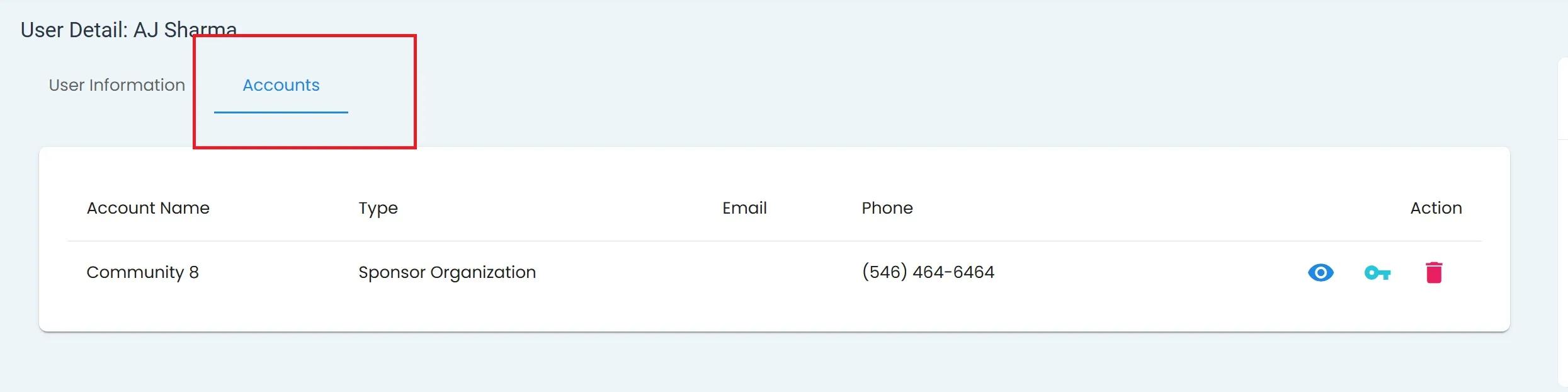
User, User Details Homepage, Tab: Accounts Tab#
Accounts Tab: Table Columns#
The Tab: Accounts Tab displays the following Column: Columns:
Column: Account Name
Column: Type
Column: Email
Column: Phone
Column: Action (Action: View Account, Action: Edit Permissions, Action: Delete)
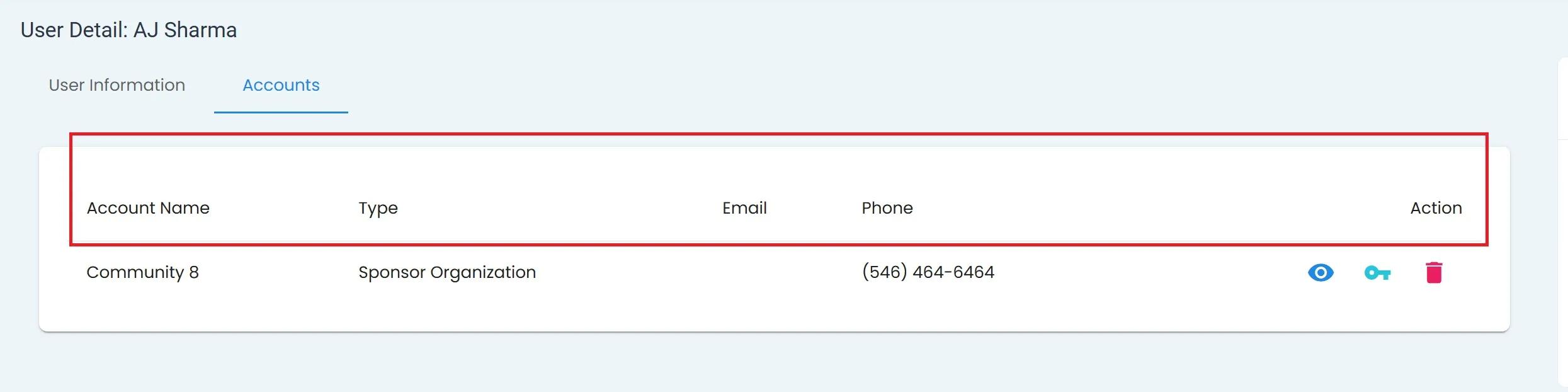
User, User Details Homepage, Tab: Accounts Tab, Column Names#
Action Column for Accounts Tab#
The Column: Action has three Action: Actions available:
View Account - Takes you to the Sponsorship Organization Page
Edit Permissions - Allows you to modify the user’s access rights
Delete - Allows you to remove the user’s access
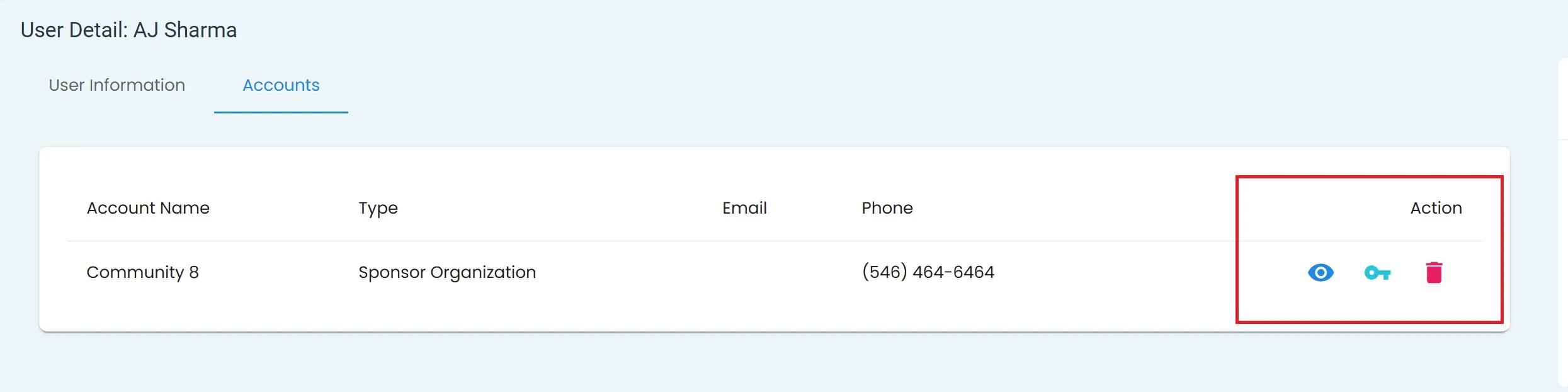
User, User Details Homepage, Tab: Accounts Tab, Section: Action Column#
View Sponsorhip Account#
Select the View Account button for the account you want to view.
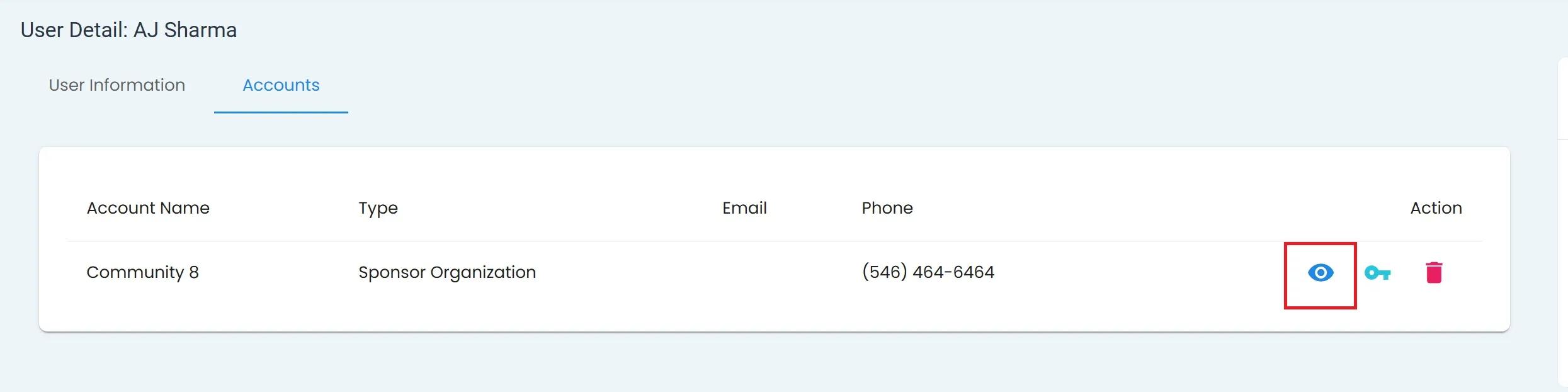
User, User Details Homepage, Accounts Tab, View Account Icon#
Note
Selecting the View Account button will take you to the Sponsorship Organization Page.
Seealso
See Information Pane to learn more about the details in the Information Pane.