
How to Filter by Status or Sponsor Organization#
Follow the steps below to filter by status or sponsor organization:
Filter Section Location#
The filter section contains 2 different types of filters and one search bar, these include:
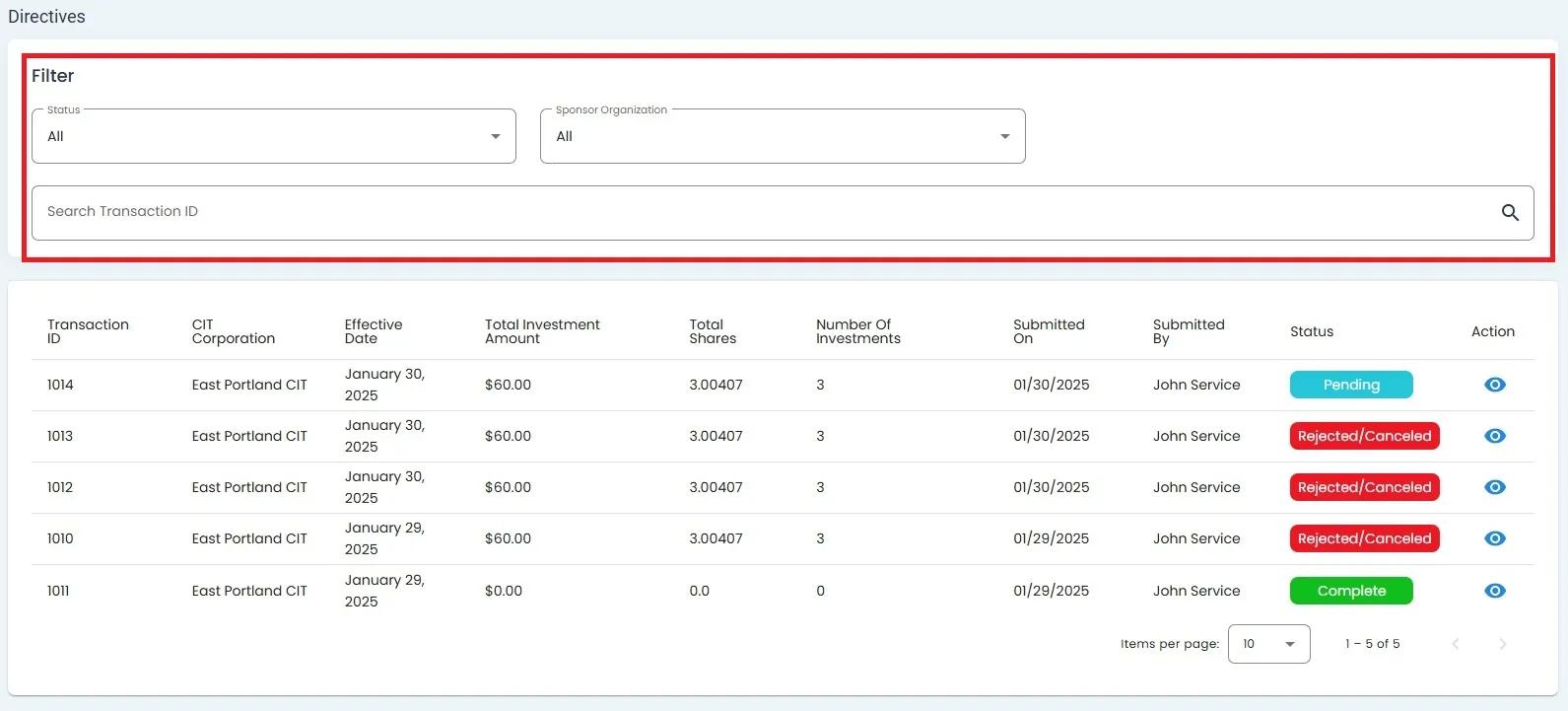
Directives Table Filter Section with Status and Sponsor Organization filters#
Status Filter Dropdown#
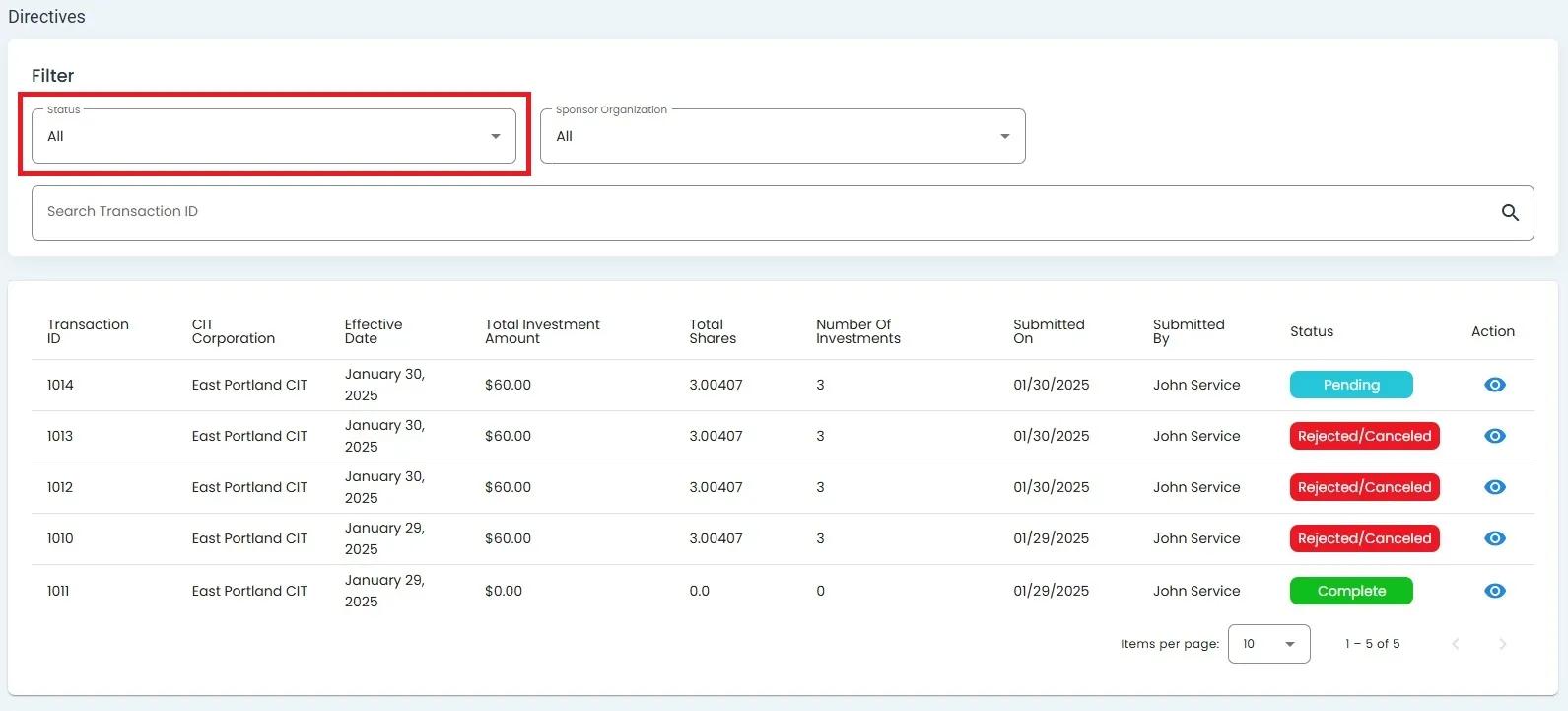
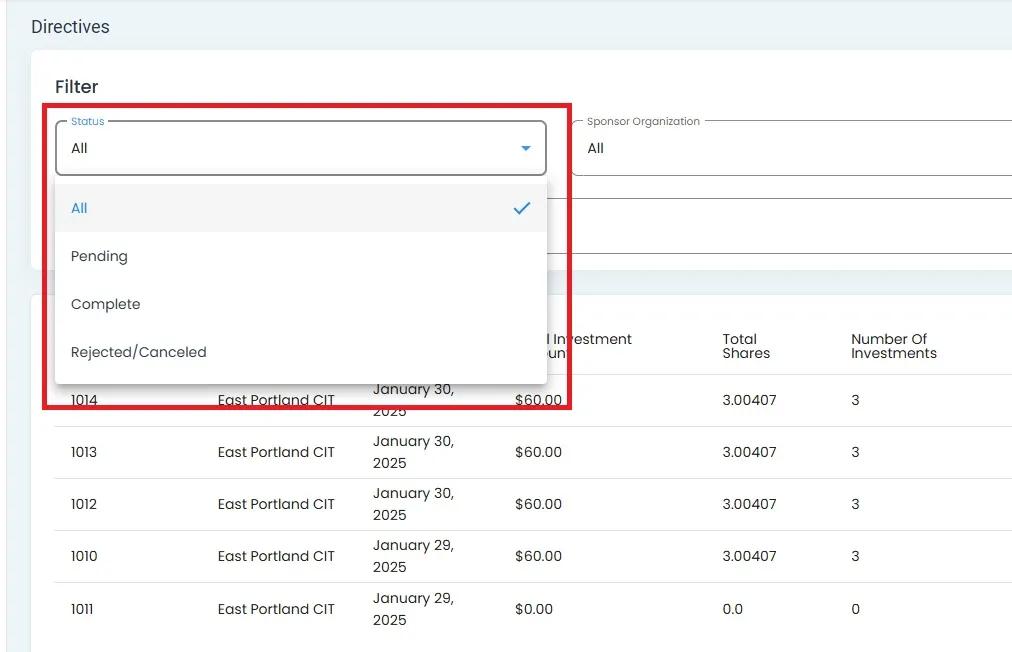
Sponsor Organization Filter Dropdown#
Option: Find and Option: Click on the Item: Sponsor Organization dropdown to filter by organization.
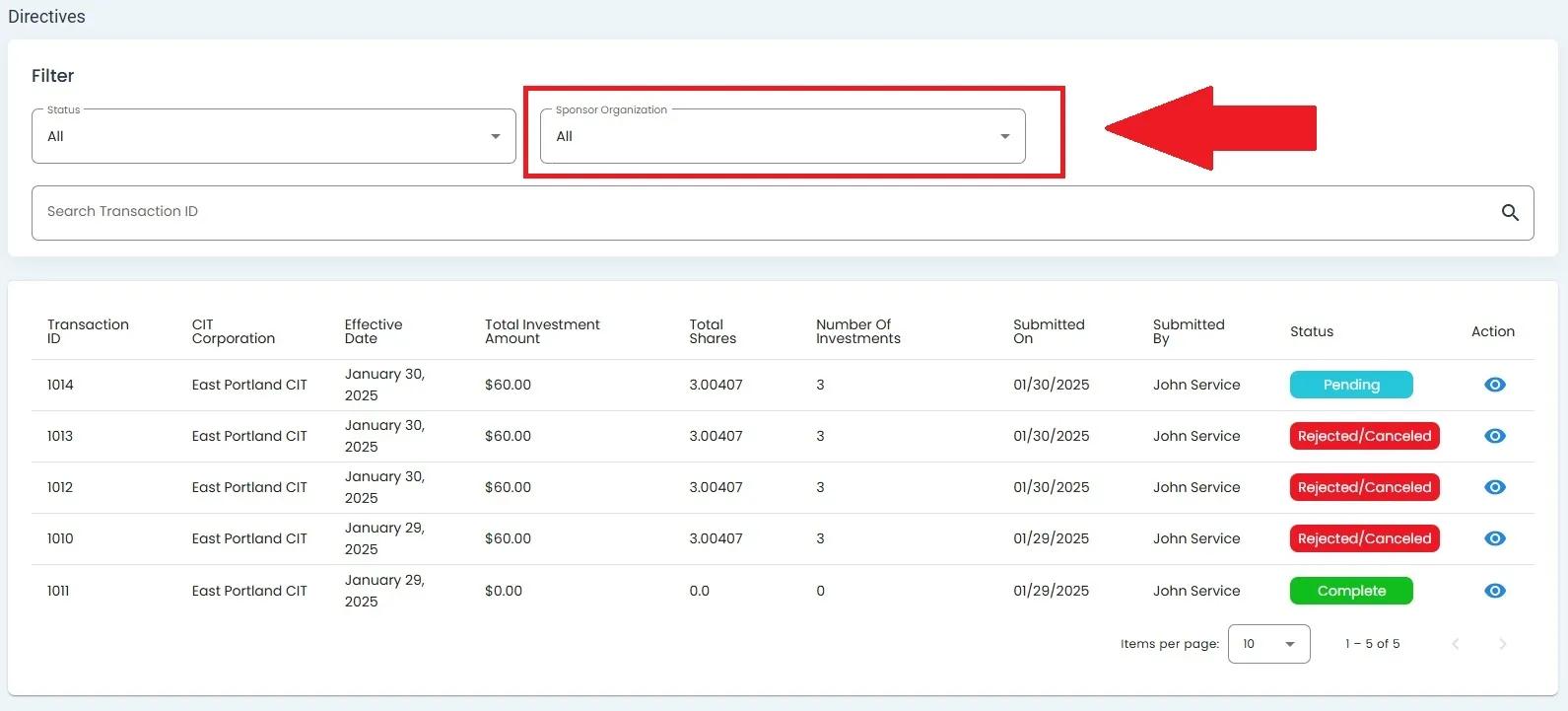
Sponsor Organization dropdown in the filter section#
Select from available organization options:
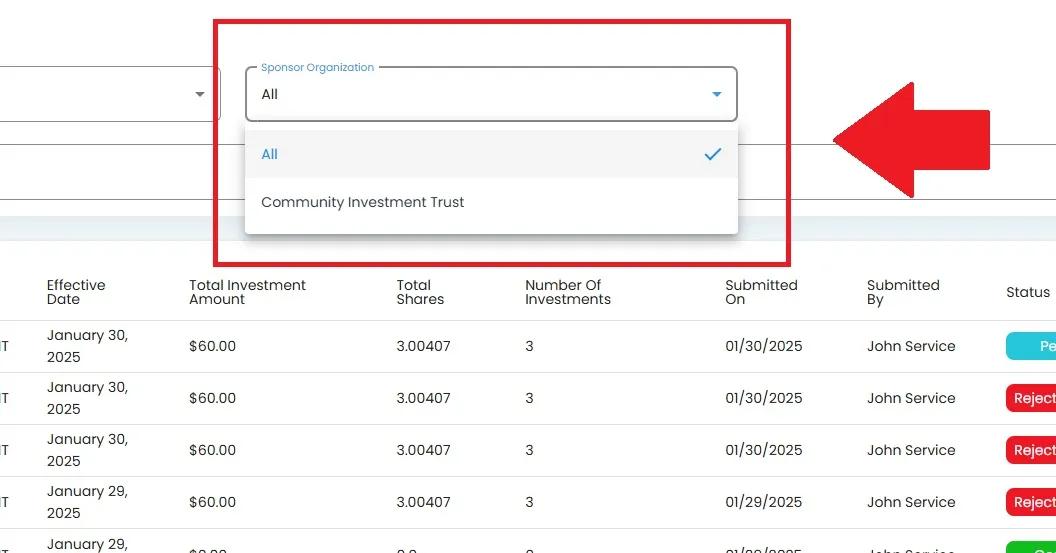
Sponsor Organization dropdown expanded showing All and Community Investment Trust options#
How to Search for Directives#
To search for specific directives, use the search bar at the top of the table:
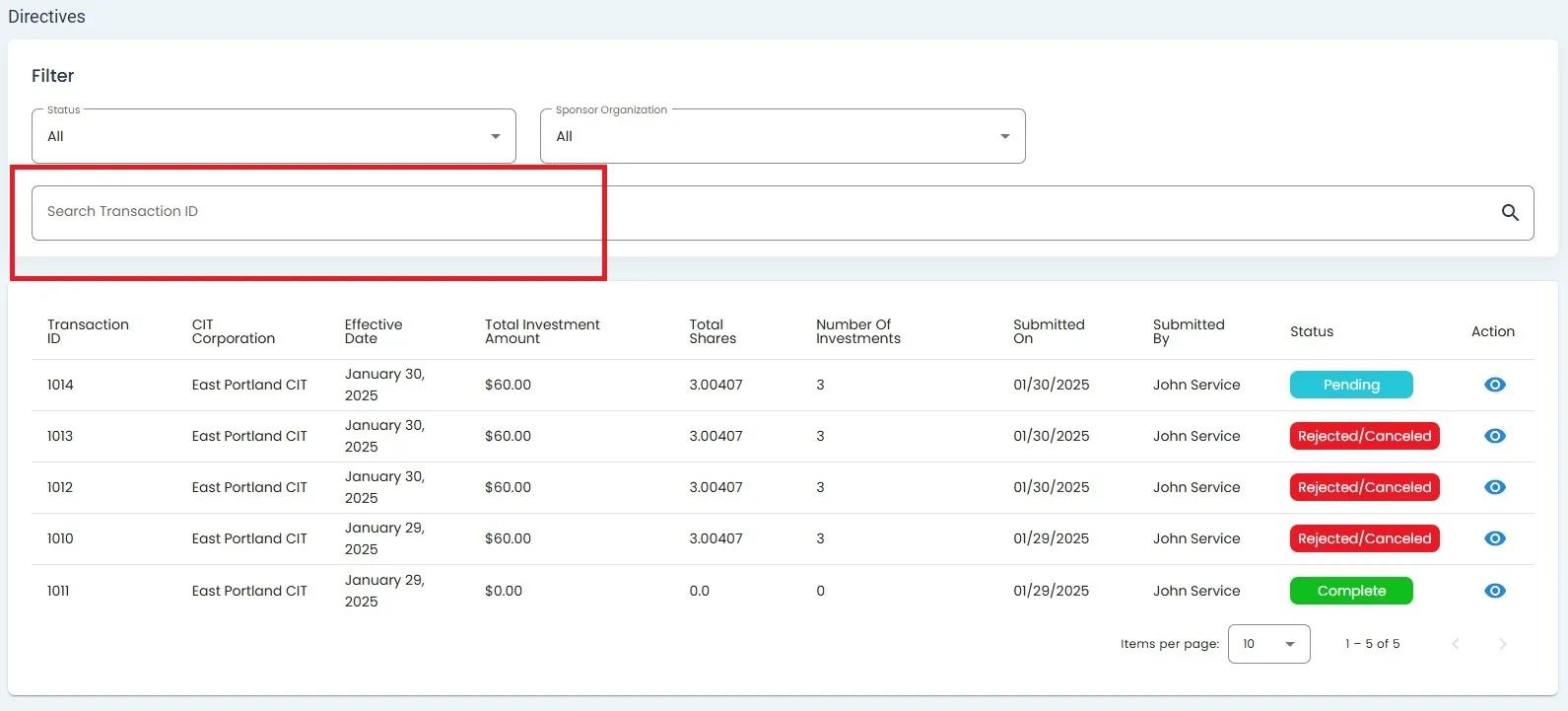
Search Bar for Transaction ID#
Enter a Transaction ID or other search terms to filter the results.
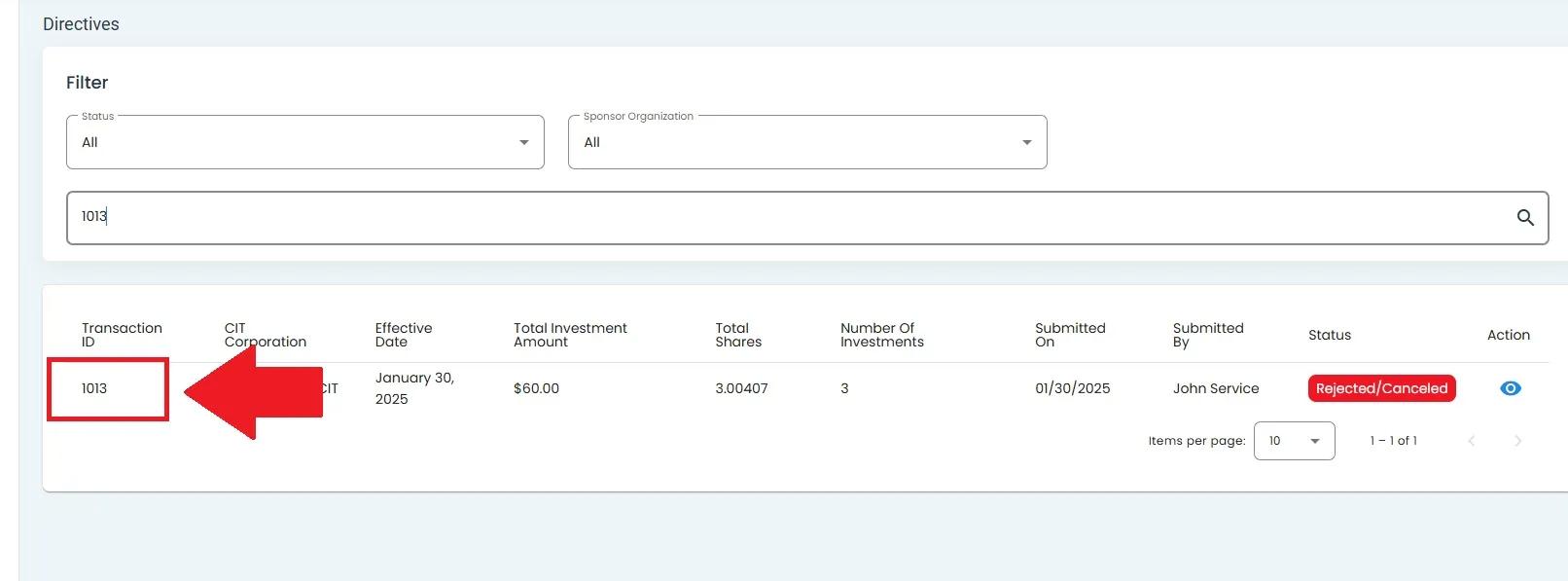
Search Bar for Transaction ID with search results#
How to Use Wildcard (*) to Search for Multiple Transaction IDs
You can also use the * as a wildcard to search for multiple Transaction IDs:
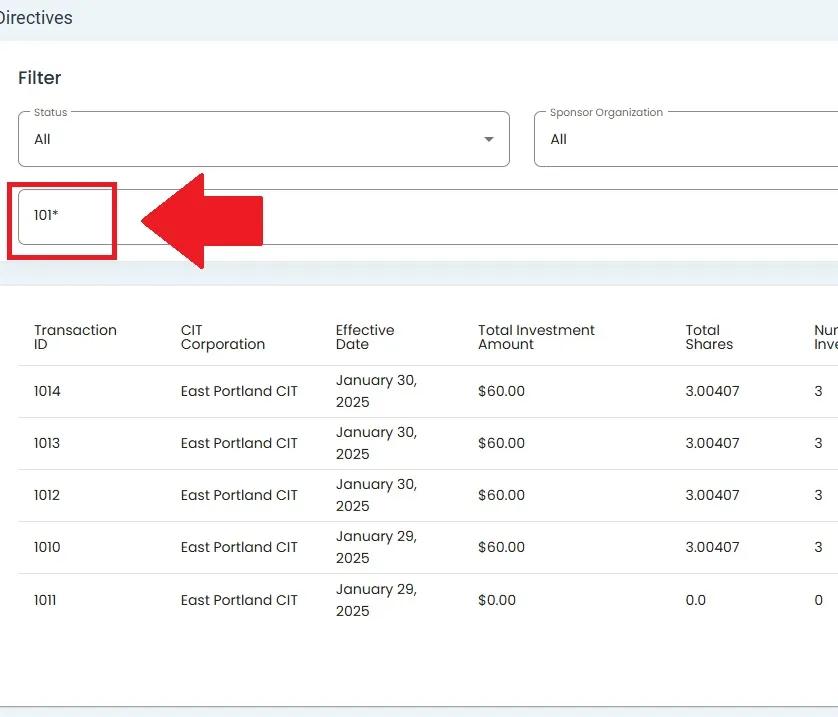
Search Bar for Transaction ID with wildcard search#