
How to Delete User, Staff, Company, etc.#
To delete a user, staff, company, or anything else throughout the app, follow these steps:
Find the Action column.
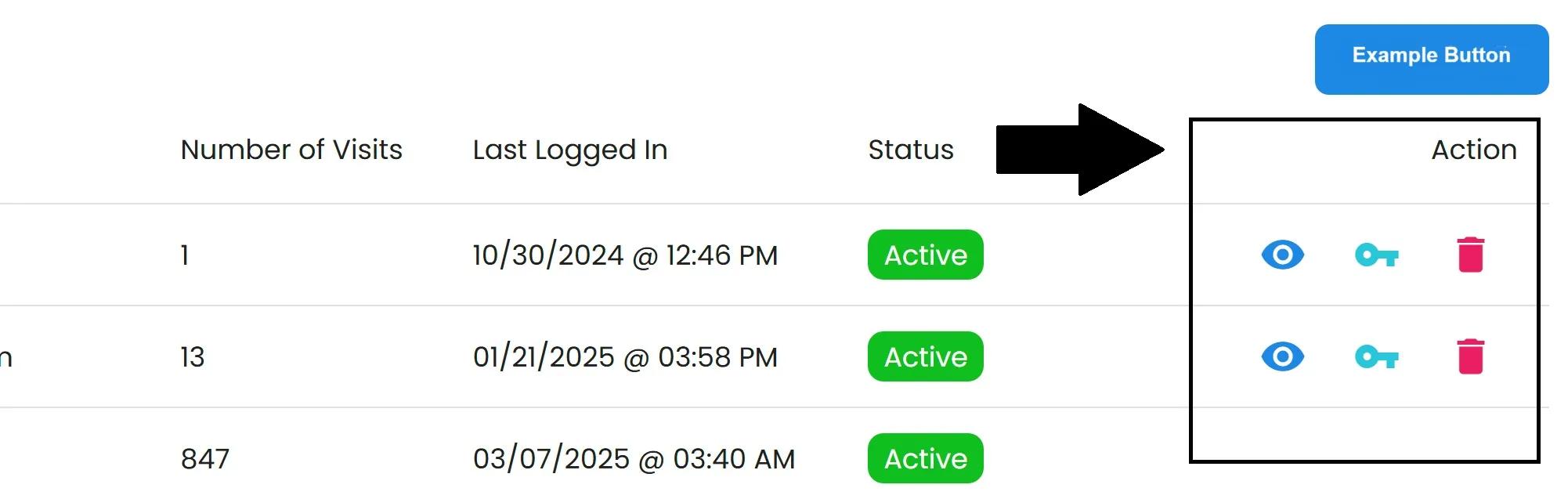
General Action Column Location#
Find the row of the User you want to delete.
Click the Delete Icon
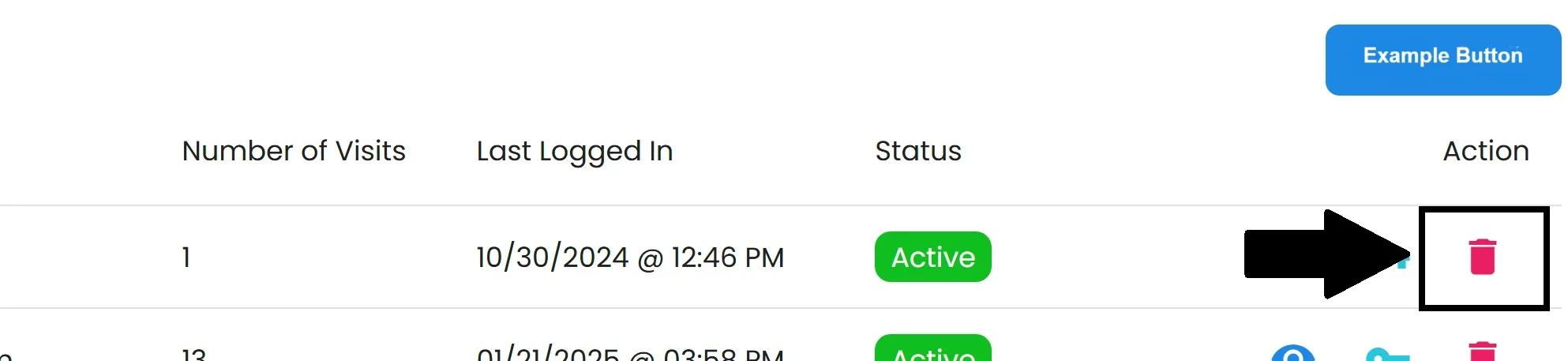
General Delete Icon Location#
Confirm the deletion.
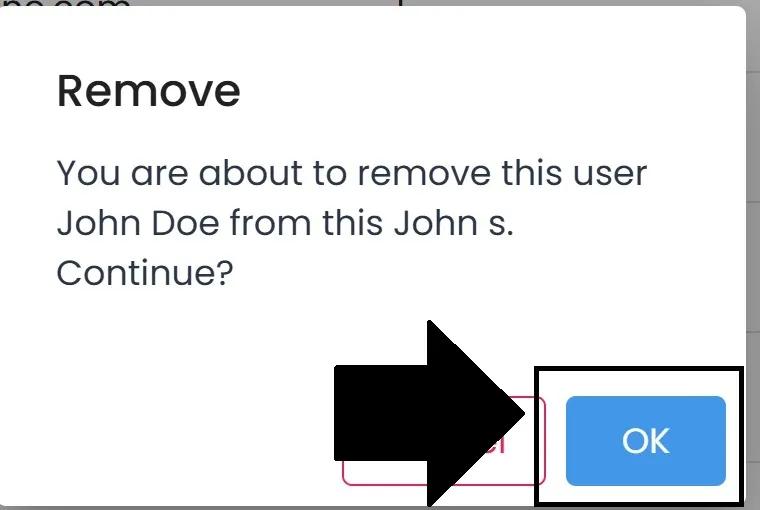
General Remove Popup Notification#