
Investor Documents#
The Page: Investor Documents Page allows you to quickly:
Access,
Filter, And
Download important investment documents.
This section also allows you to:
Filter documents by
CIT Corporation.Search for specific investor documents.
View document details or download documents directly.
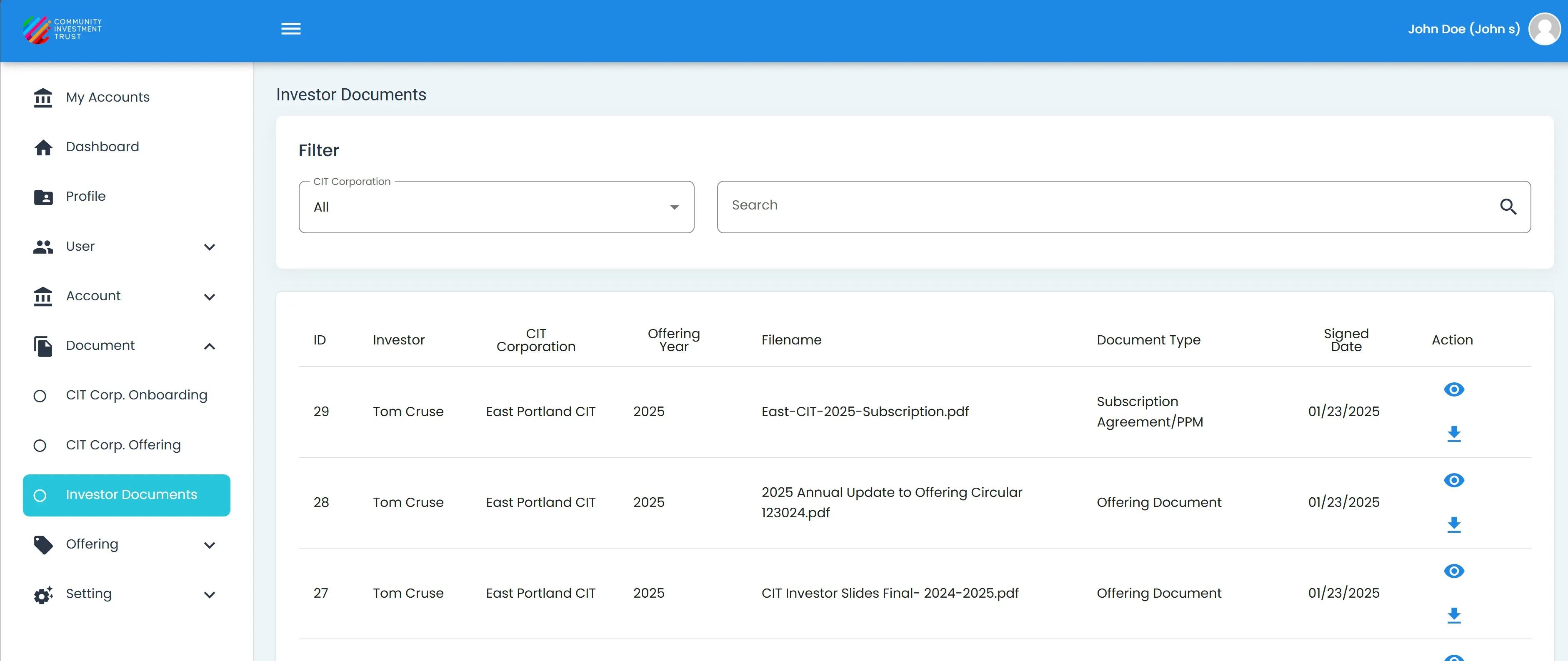
Investor Documents, Homepage and Location#
Table: Investor Documents#
The Investor Documents Table is the primary interface for accessing investor-related files:
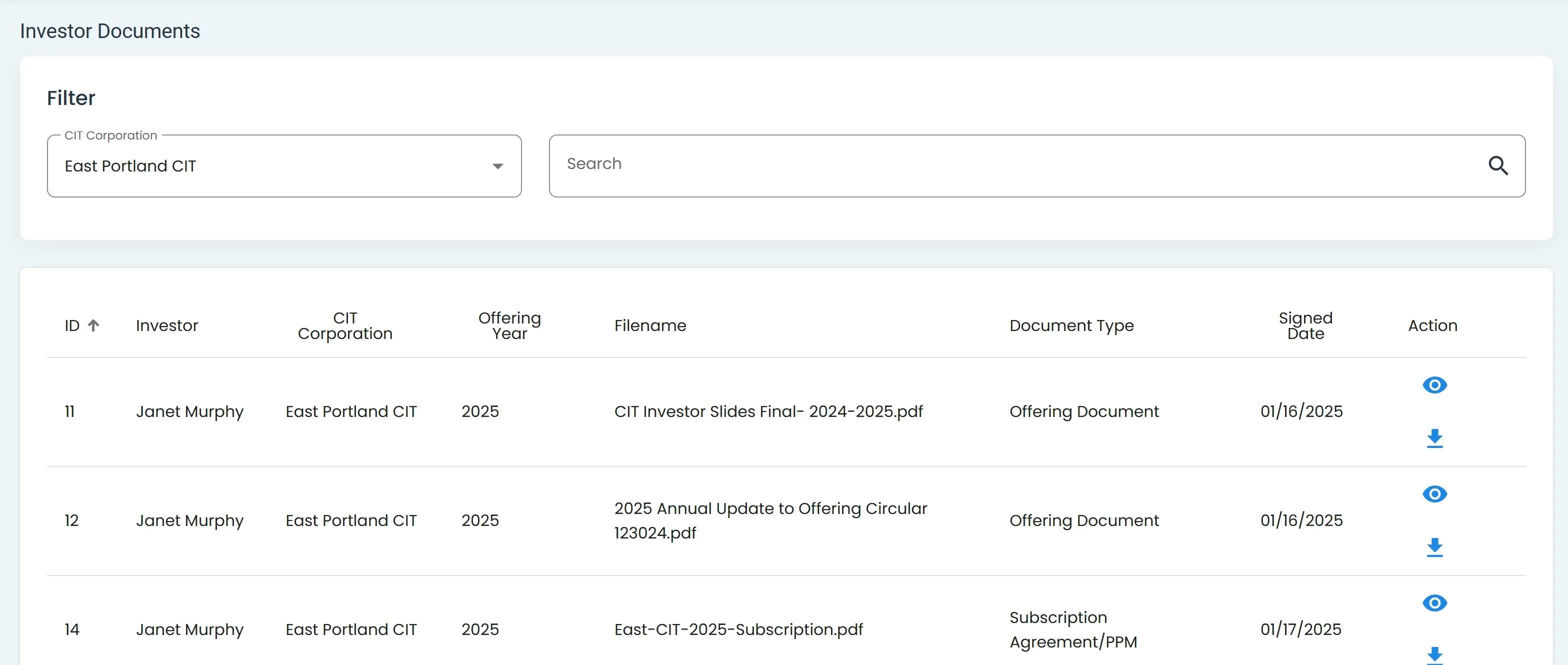
The Investor Documents Table provides a concise yet informative overview of all documents related to each investor.
Table Columns Explained#
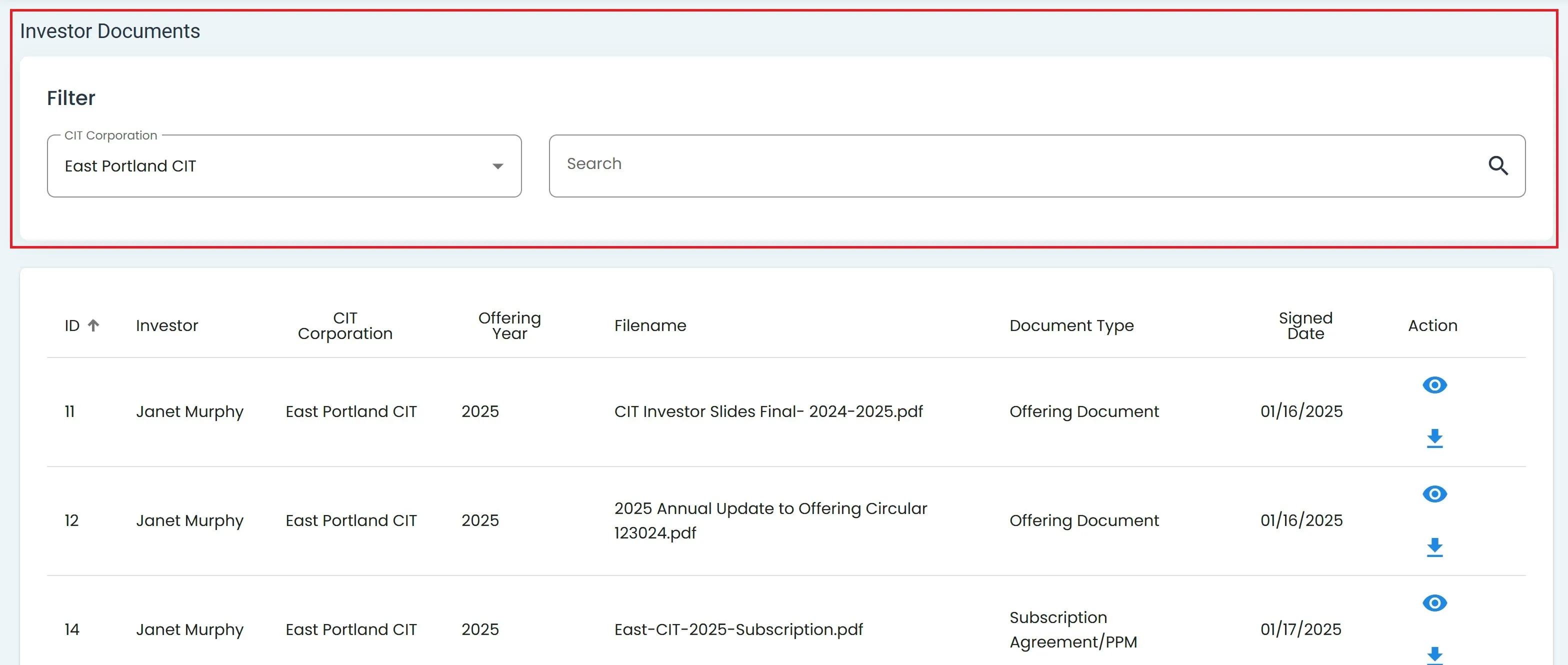
The table contains 7 columns:
ID - Unique identifier associated with each document.
Investor - Name of the investor.
CIT Corporation - The CIT Corporation associated with the investor.
Offering Year - Year of the investment offering.
Filename - Name of the document file.
Document Type - Type of the document (e.g., Subscription Agreement, Offering Document).
Signed Date - The date the document was signed.
Action - Contains actions:
Action: View Details: Opens document details in a new tab.
Action: Download: Initiates document download.
Column Sorting
You can sort columns (ascending or descending) by clicking on the column headers.
Filter by CIT Corporation#
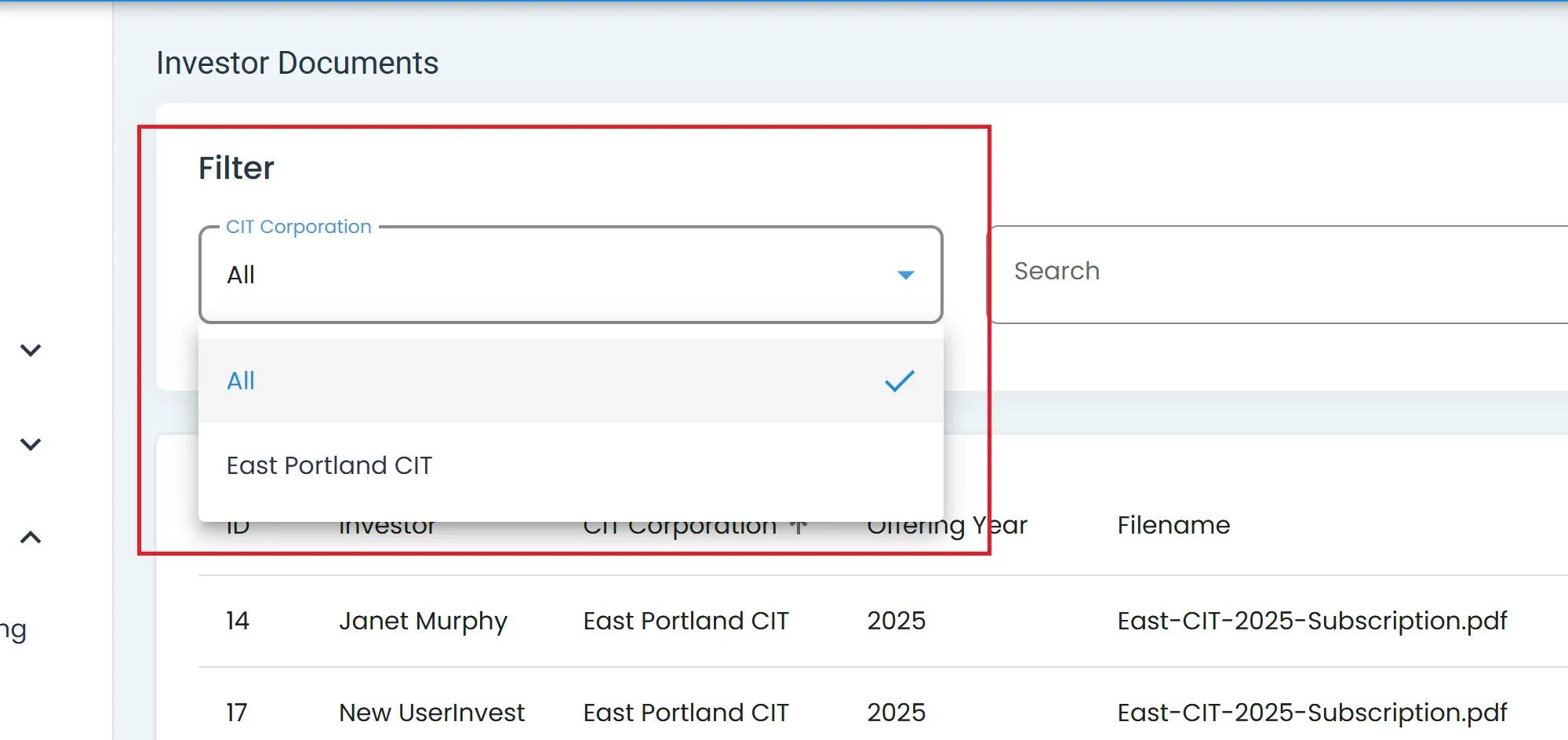
You can filter the table by the CIT Corporation:
Click the CIT Corporation dropdown.

Select the desired CIT Corporation or All from the dropdown.
How tp Search Investor Documents#
To search for a specific document or investor:
Find the Search bar.
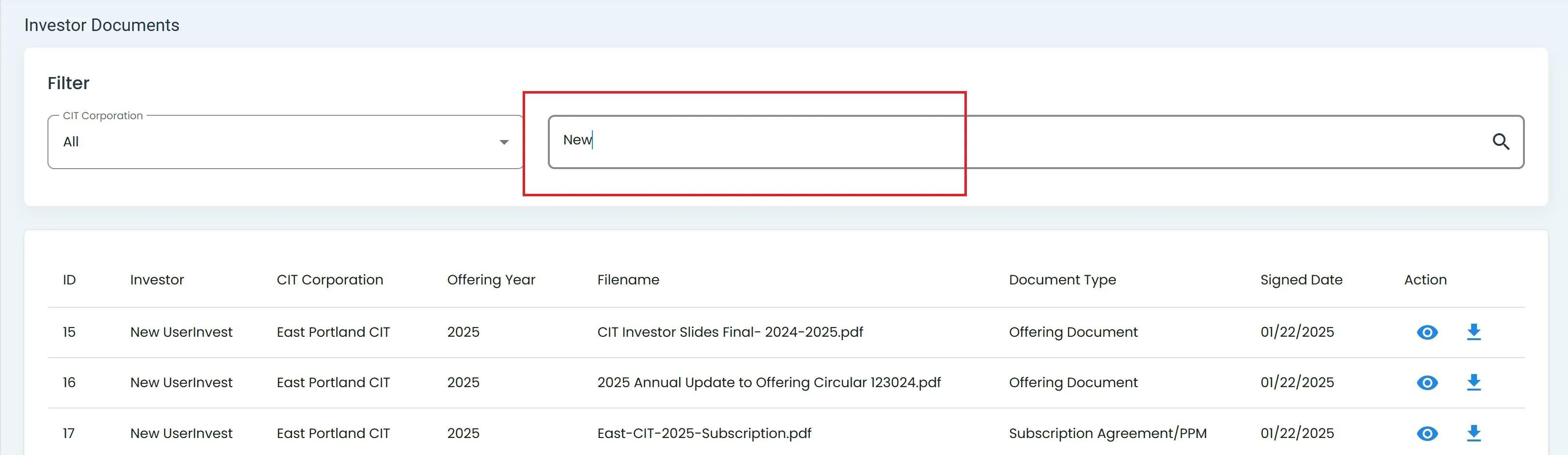
Search by Column: Investor Name.
Press
Enteror click the search icon to perform the search.
Actions: View Details and Download#
Each row provides two actions:
View Details:
Click the
eye iconto open document details in a new tab.

- **Download**:
    1. Click the ``download icon`` to start downloading the document.

```{only} html
```{lazyfigure} ../../_static/solo_app/Document/icons/download-document-icon.jpeg
:width: 50%
:align: center