
CIT Offering Status Filter#
Status Filter Options#
The Table: Offering Documents Table can be filtered by the following Option: Status options:
Item: All
Item: Pending
Item: Completed
How to Filter by Status#
Find and select the Option: Status dropdown.
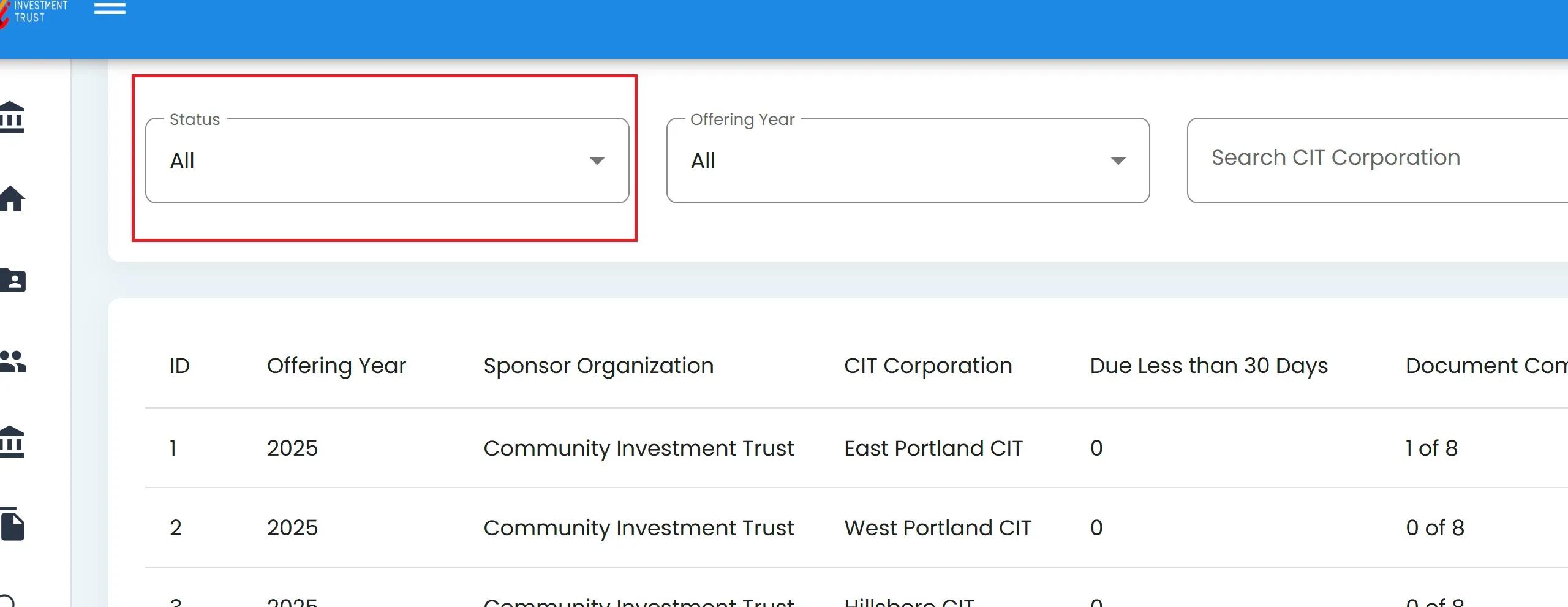
Status Filter Location#
Select the desired status from the dropdown.
Status Dropdown Options#
Action Complete
This action will filter the Table: Offering Documents Table based on the selected Option: Status.
Status Types#
Status Types
Cyan Option: All: Displays all CIT Corporations regardless of their offering status
Green Option: Pending: Shows only CIT Corporations with offering documents that are still in process
Green Option: Completed: Shows only CIT Corporations that have completed all offering document requirements