
Investor Details Tab#
The Tab: Investor Details tab provides comprehensive information about the selected investor, including personal information, contact details, and investment preferences.
Location: Investor Details Tab#
The Tab: Investor Details tab will be the second tab that appears when Viewing Investor Information.
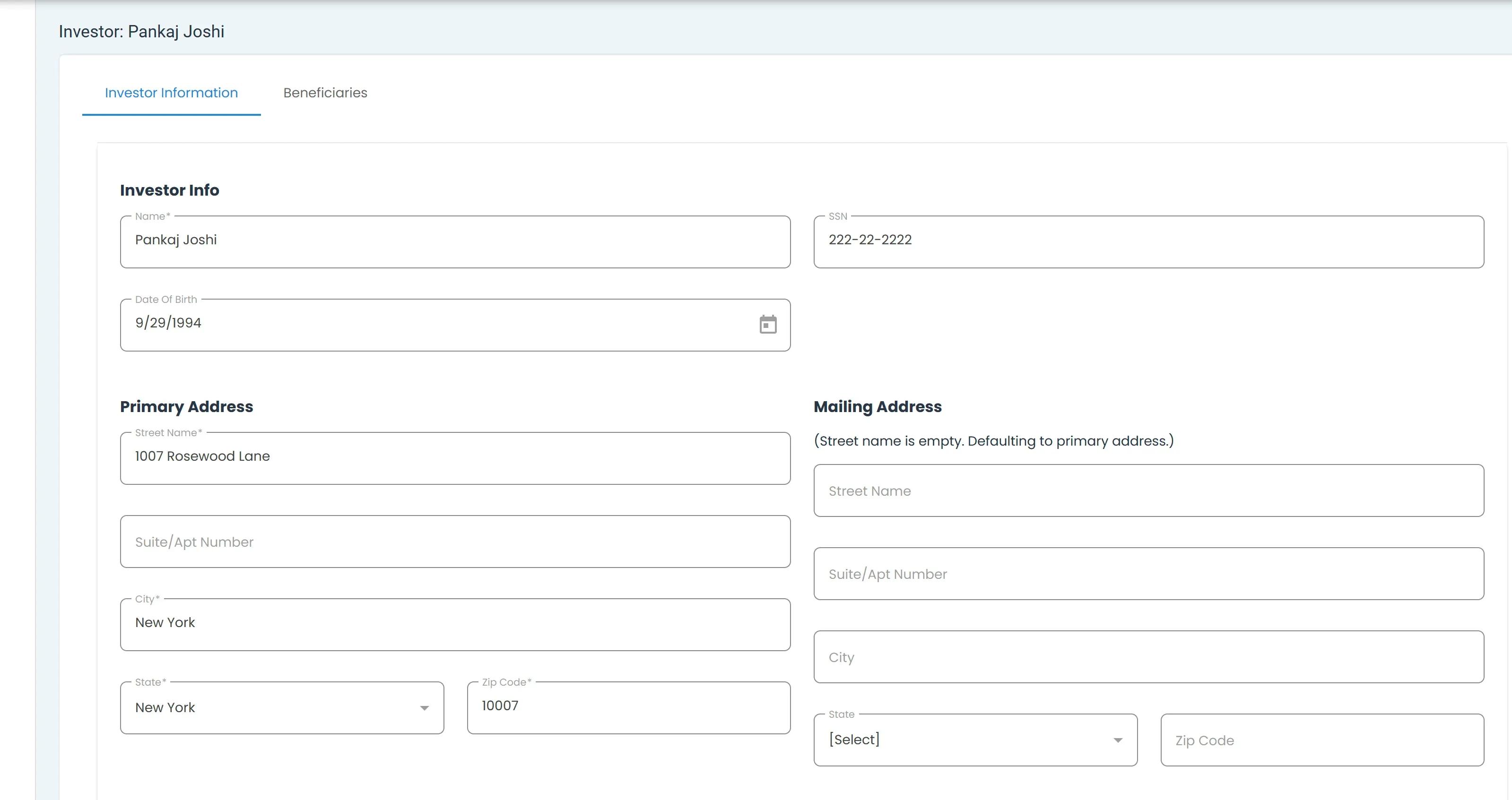
Investor Details Tab Location#
Note
Item Required: Red items are required and cannot be left blank.
Tab: Blue items are optional.
Investor Information Section#
The Section: Investor Information section allows you to edit the investor’s personal information. It’s split into three distinct sections:
Item Required: Investor Info
Item Required: Primary Address
Tab: Mailing Address
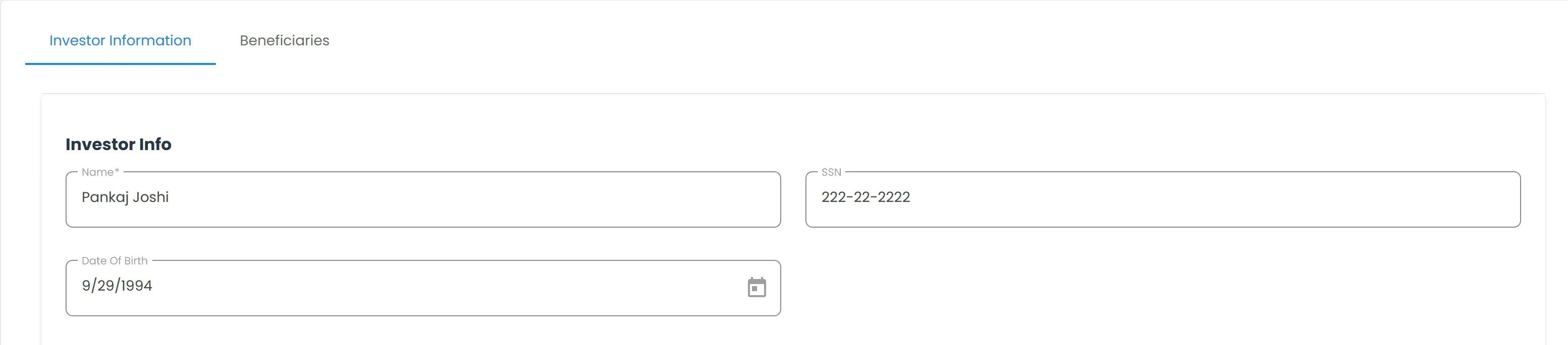
Investor Information Section#
Available Information#
The Investor Details tab displays the following information categories:
Personal Information#
The Subsection: Personal Information displays:
Full Legal Name
Date of Birth
Social Security Number/Tax ID
Primary and Mailing Address#
See Primary and Mailing Address section for details.
To Edit an Investor’s Details:
Place your cursor in the field you want to edit.
Note
This section does not require you to click the Edit button.
Type the changes you want to make.
Click the Save Changes button at the bottom-right of the page.
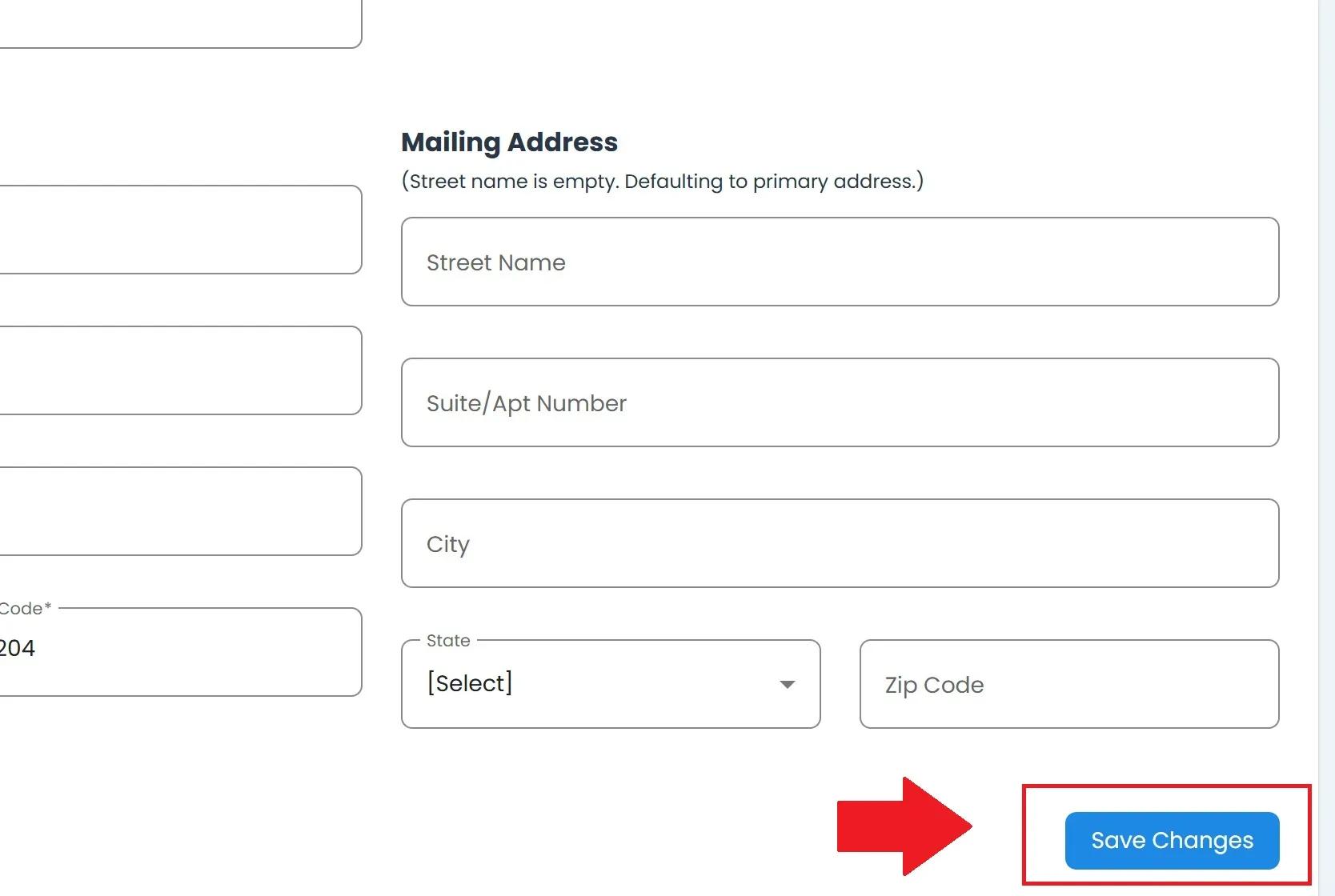
Investor Details Save Changes#
Note
Some investor information may require additional verification before changes take effect.