
View Investor Details#
The View Investor Details action allows you to access detailed information about an investor.
How to View Investor Details#
In the Table: Investors Table, locate the investor whose details you want to view.
Click the View Investor Details icon located in the Column: Action column for that investor.
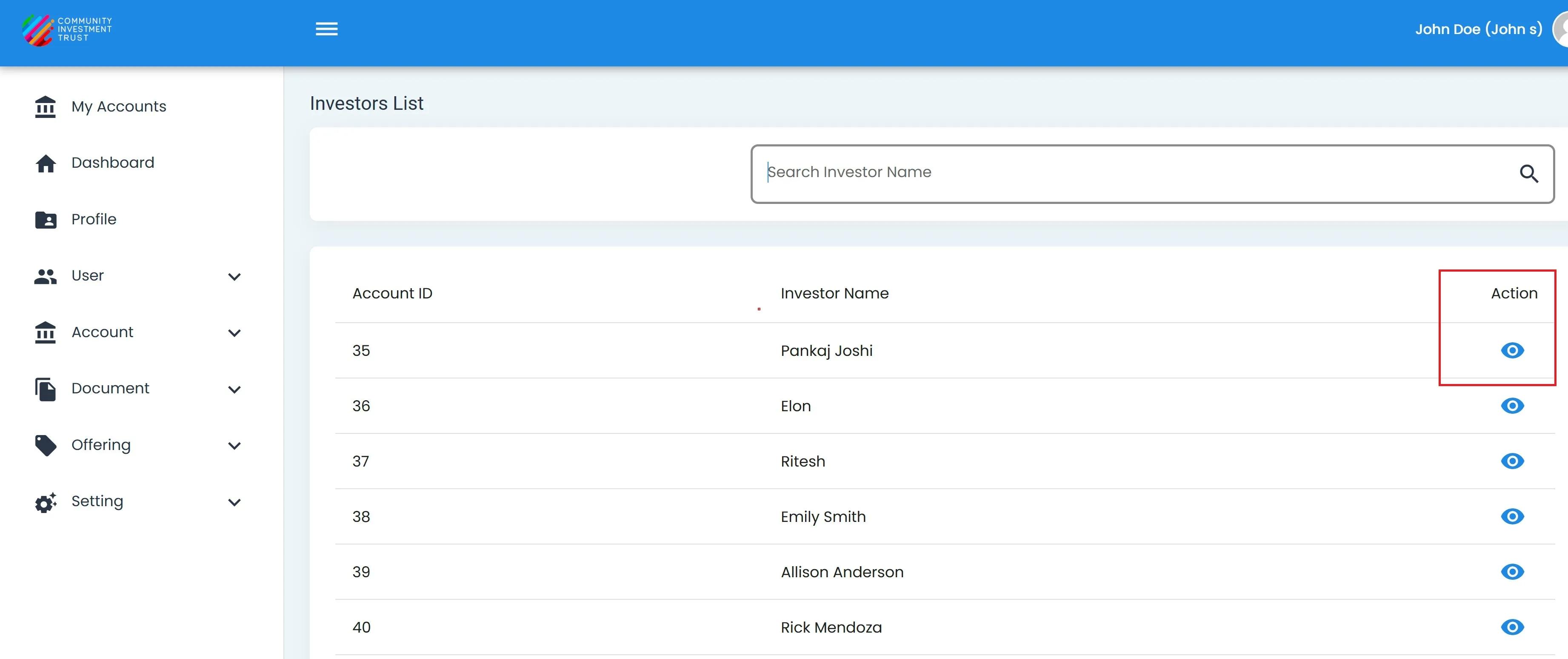
Investors List, View Action Location#
The system will navigate to the investor’s detailed information page.