
Complete Transactions#
The Section: Complete Transactions section covers everything listed in the Table of Contents below:
Complete Transactions Homepage Location#
To Find the Complete Transactions List Homepage:
Locate the primary sidenav to the left of the page.
Don’t see the sidenav?
See How to Toggle Primary Sidebar for more information.
Select the dropdown for the Navigation Category: Transaction category.
Select Section: Complete Transactions from the dropdown.
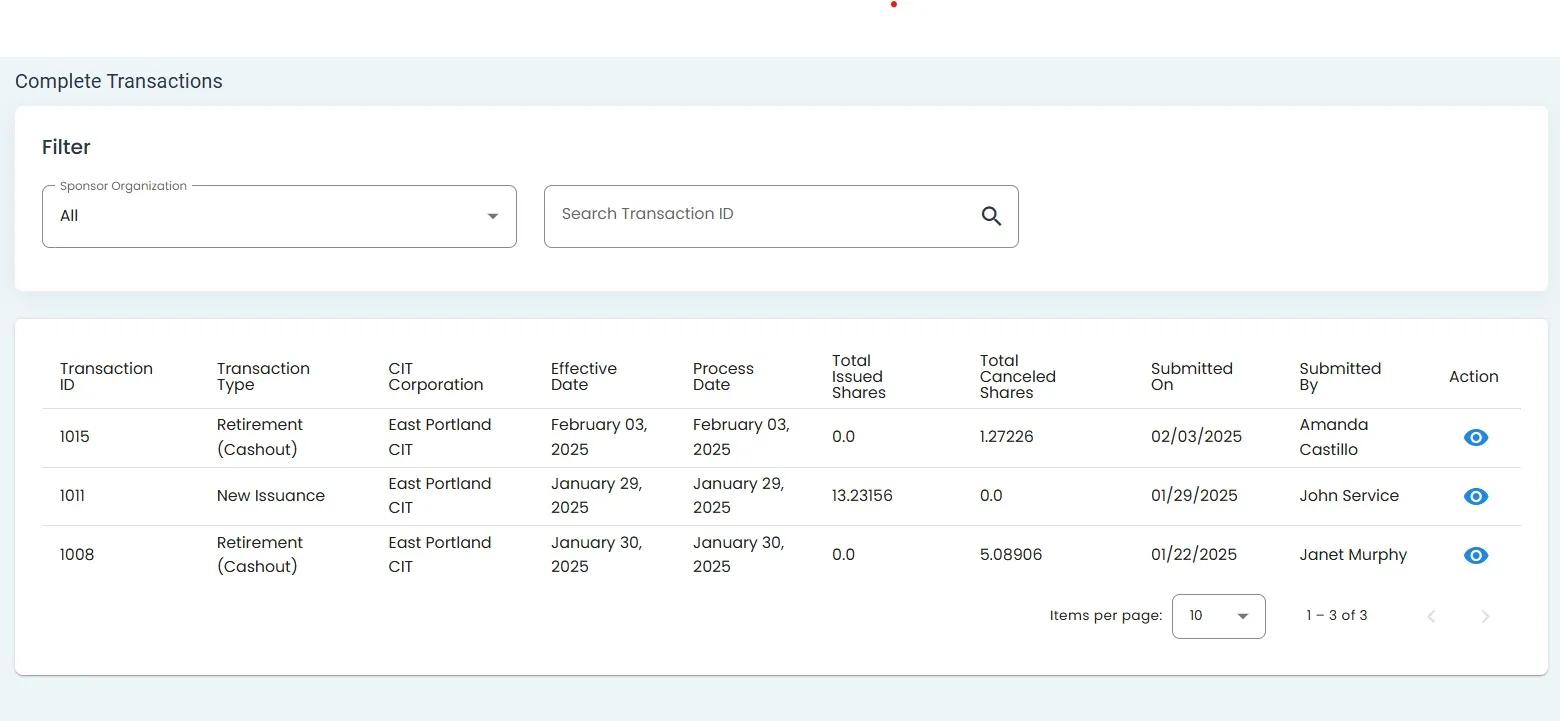
Complete Transactions Homepage#
Complete Transactions List Table#
The Table: Complete Transactions List table is what first appears on the homepage of the Section: Complete Transactions section.
Complete Transactions List Table#
Columns: Complete Transactions List Table#
The Table: Complete Transactions List table has the following Column: Columns:
Column: Transaction ID: The unique identifier for the transaction
Column: Date: The date when the transaction occurred
Column: Investor: The investor associated with the transaction
Column: Organization: The organization associated with the transaction
Column: Amount: The amount of the transaction
Column: Transaction Type: The type of transaction
Column: Status: The current status of the transaction
Column: Action: Available actions for the transaction
Using Complete Transactions Filters#
To Filter Complete Transactions:
Locate the filter section at the top of the table.
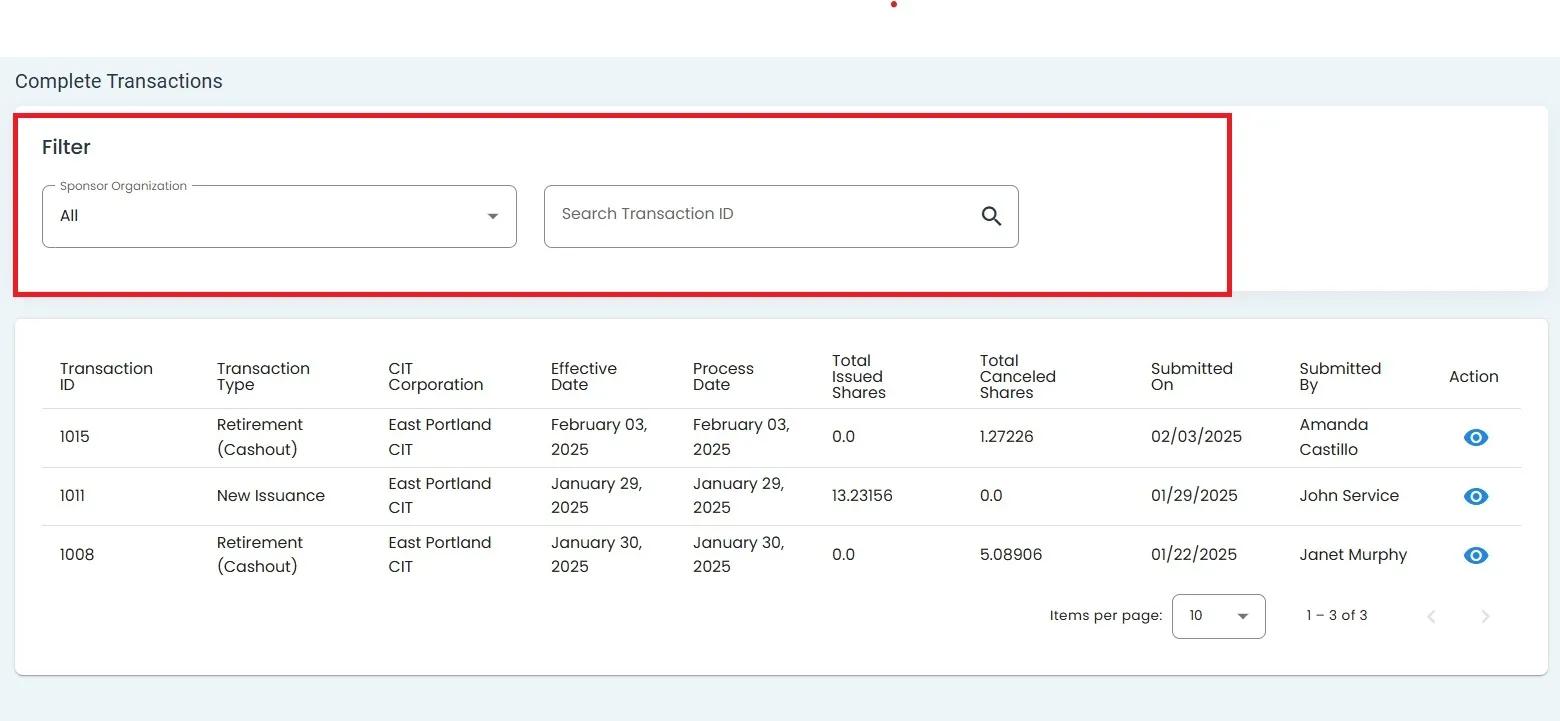
Complete Transactions Table Filter Section Highlighted#
Click on the Sponsor Organization dropdown to filter by organization.
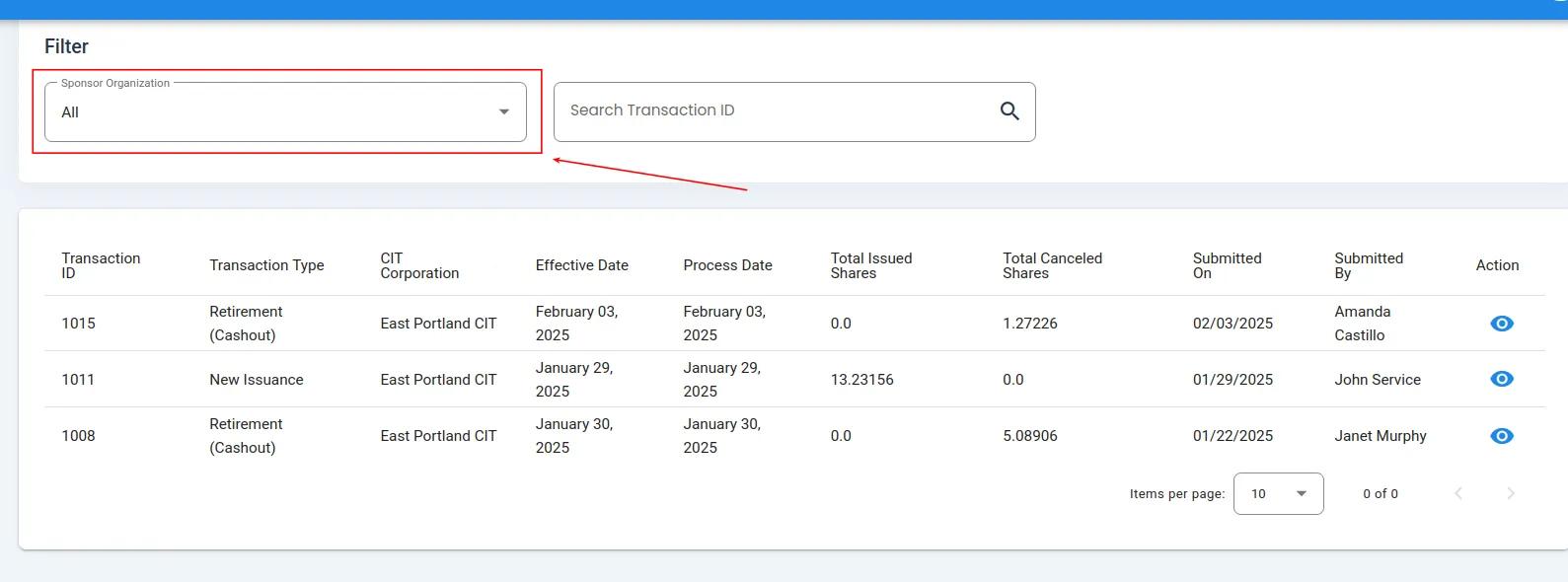
Complete Transactions Status Dropdown Location#
Select the Sponsor Organization you wish to see the transactions for.
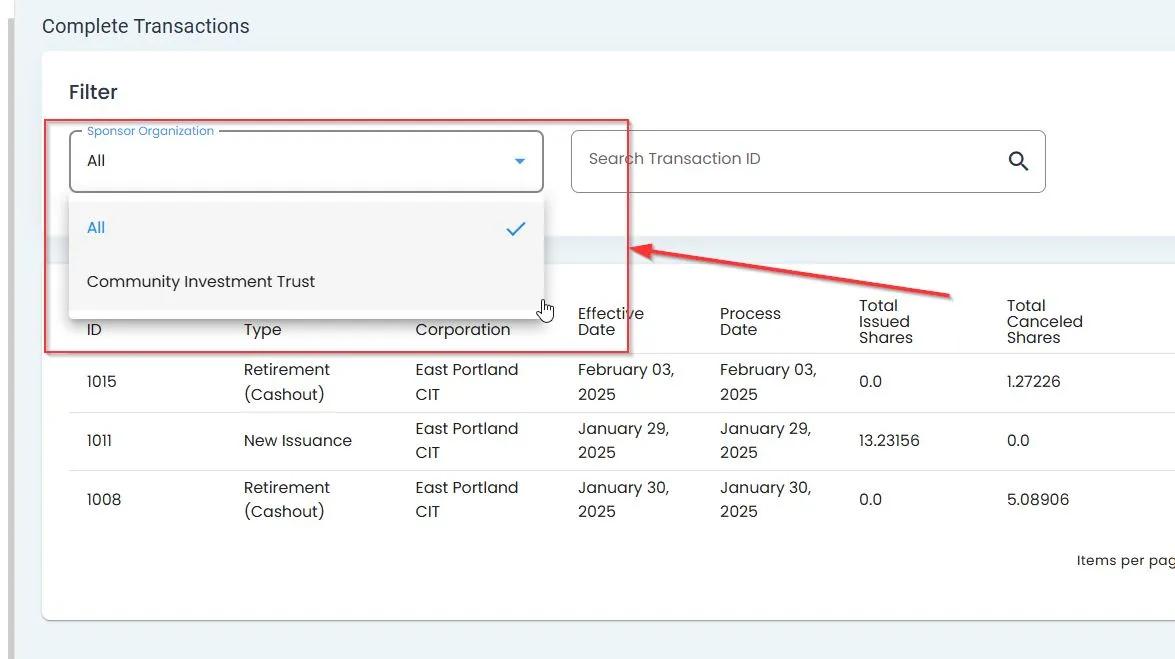
Sponsor Organization, Dropdown Expanded#
Select the Item: Search Transaction ID field.
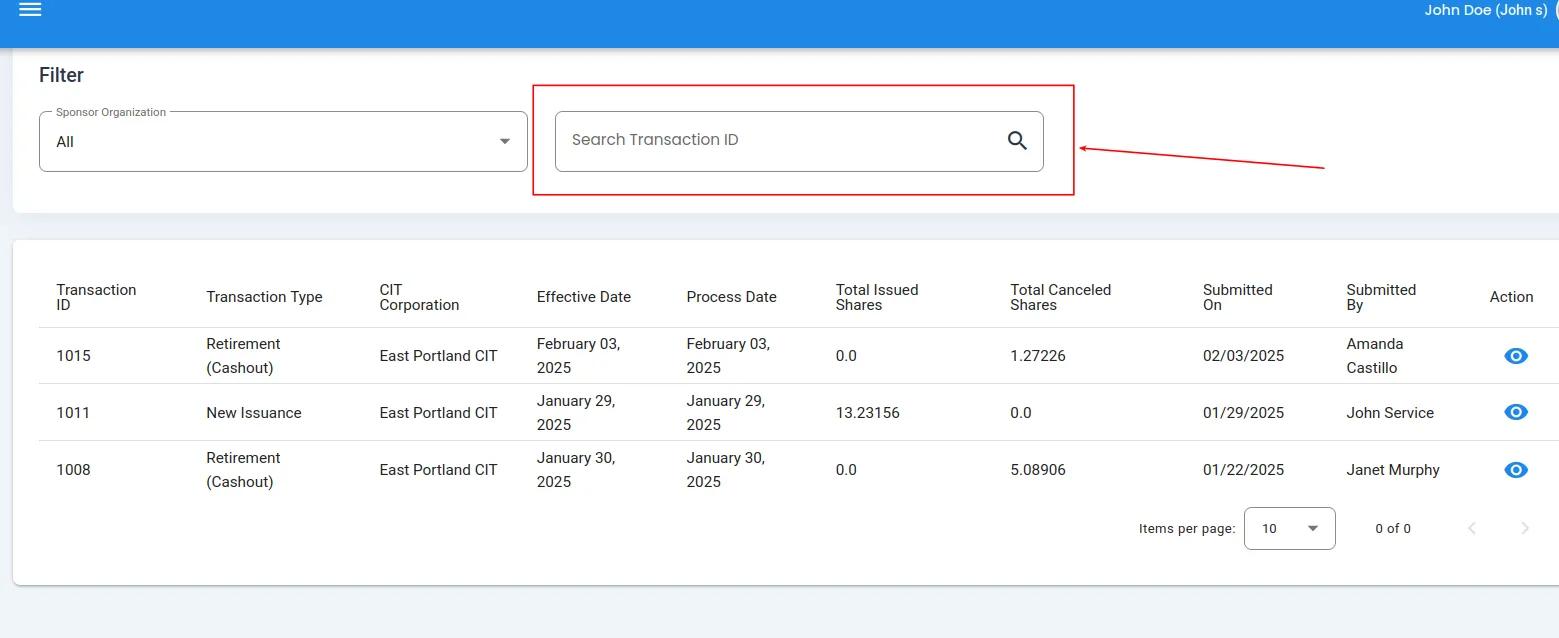
Search Transaction ID Field Location#
How to Use Wildcard (*) to Search for Multiple Transaction IDs
You can also use the * as a wildcard to search for multiple Transaction IDs:
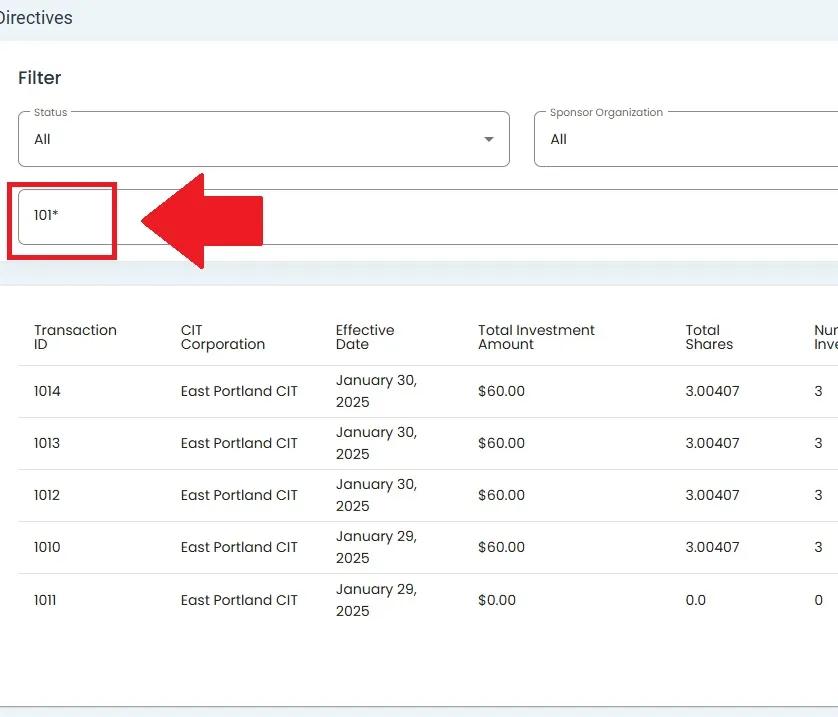
Search Bar for Transaction ID with wildcard search#