
User Details Page#
The Page: User Details page opens up to the Tab: User Information tab.
User Information Tab#
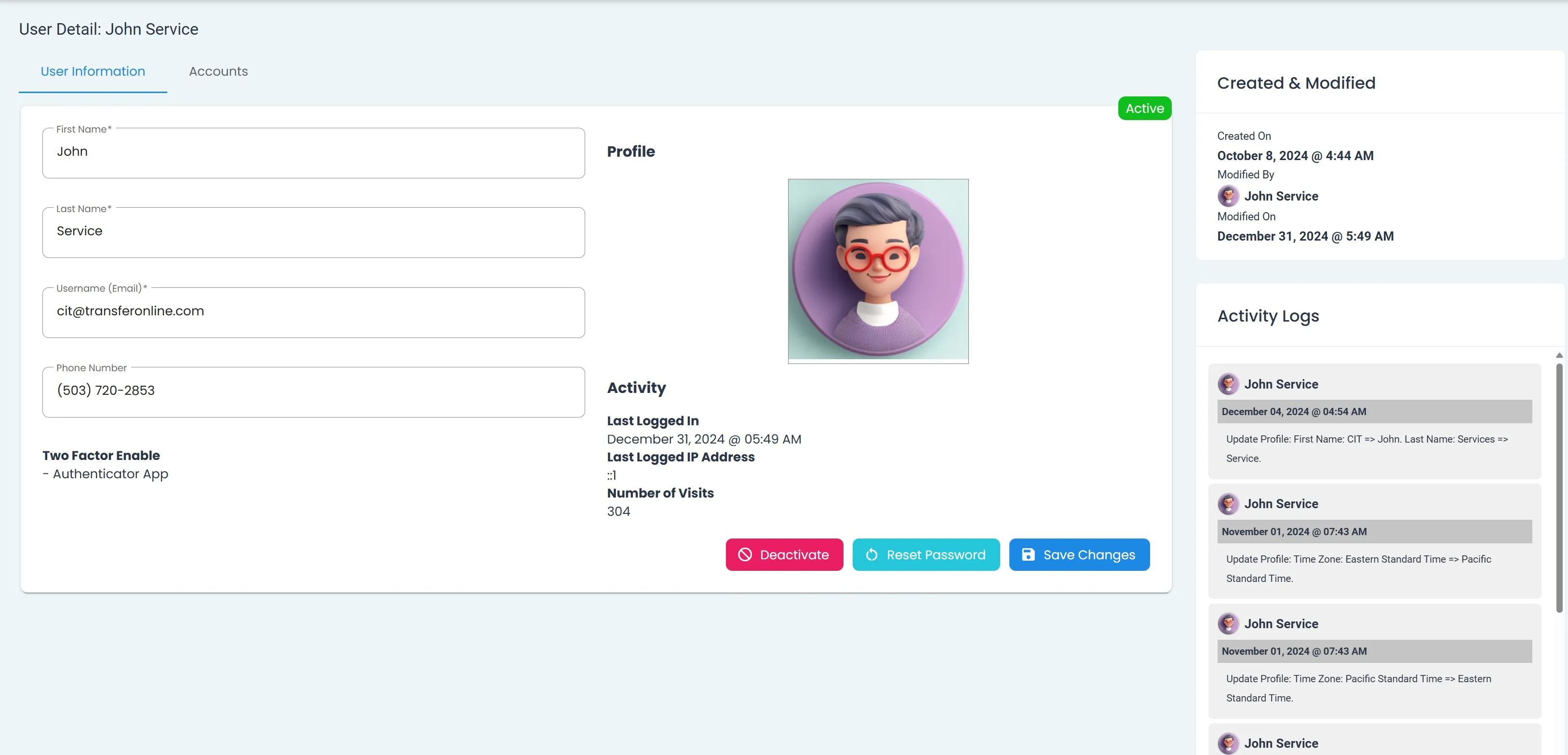
View User Details Homepage, User Information Tab#
The Page: User Details page has various actions available:
You can find the actions at the bottom-right of the page:
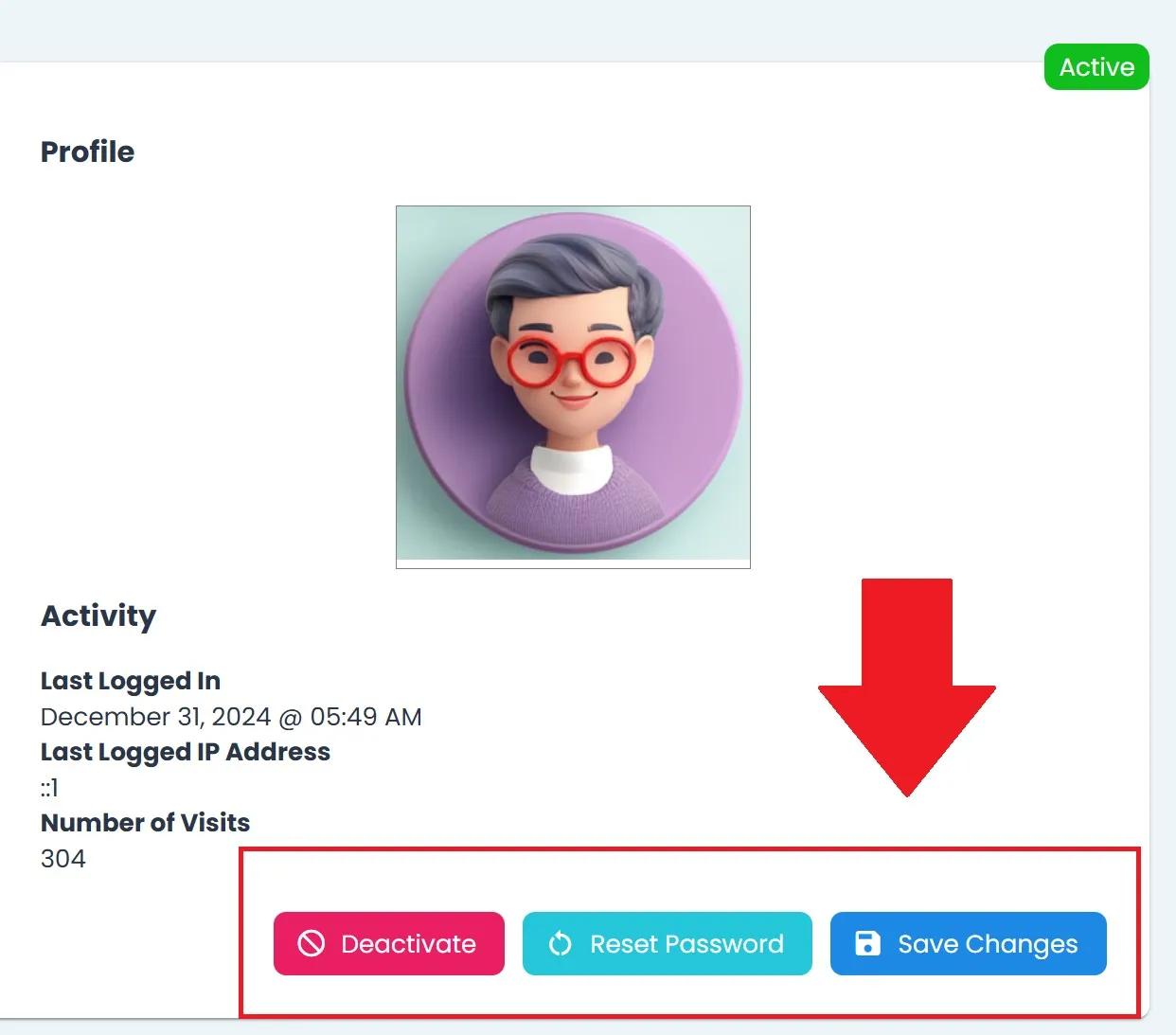
User Actions Location, Bottom Right#
Edit User Details#
The Tab: User Information Tab allows you to edit the following fields:
First NameLast NameUsername (Email)Phone Number
To Edit a User’s Details:
Place your cursor in the field you want to edit.
Note
This section does not require you to click the Edit button.
Type the changes you want to make.
Click the Save Changes button at the bottom-right of the page.
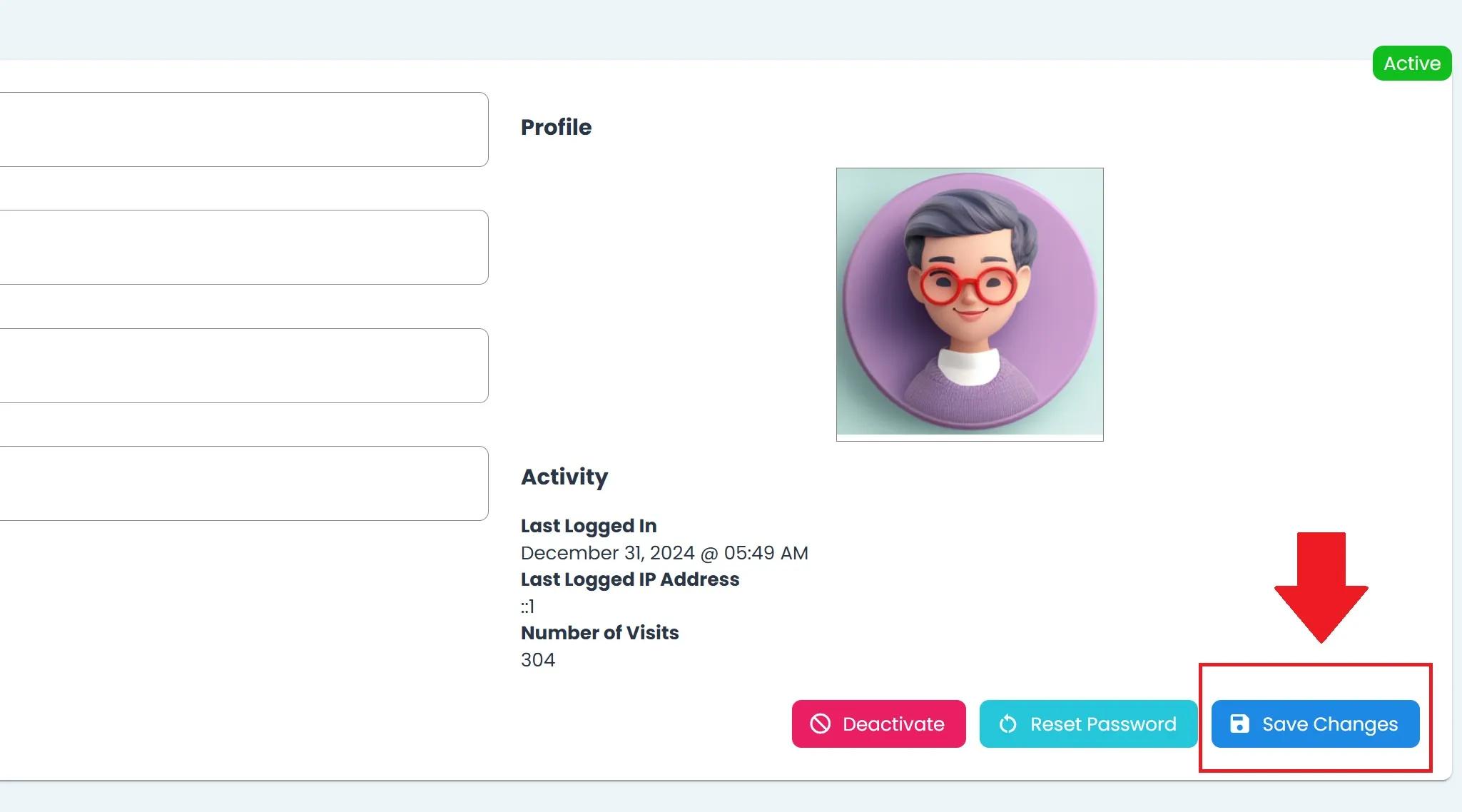
User, User Homepage, Save Changes#
Looking for the Accounts Tab?
See Accounts Tab