
Viewing Directive Details#
To view detailed information about a directive:
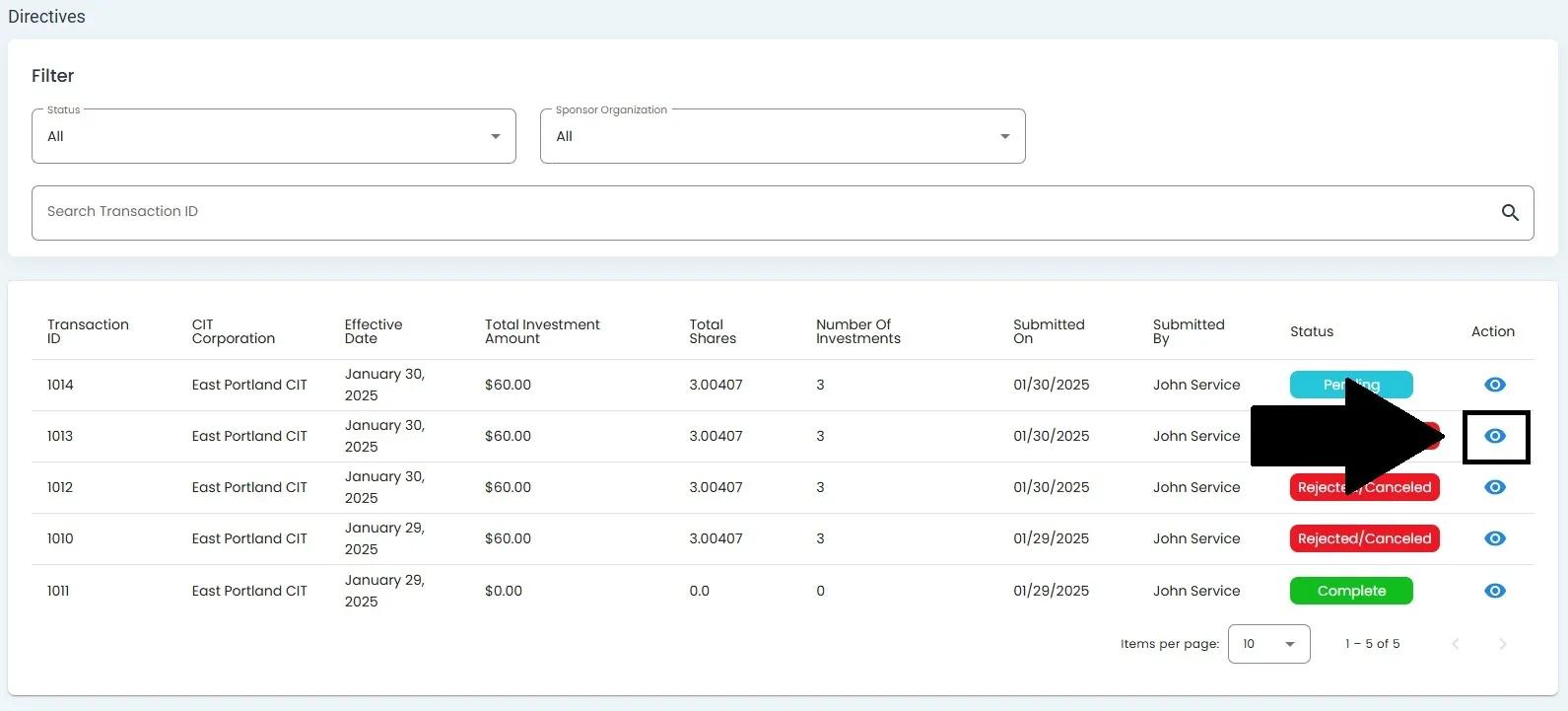
Locate the eye icon in the Action column for the directive you wish to view.
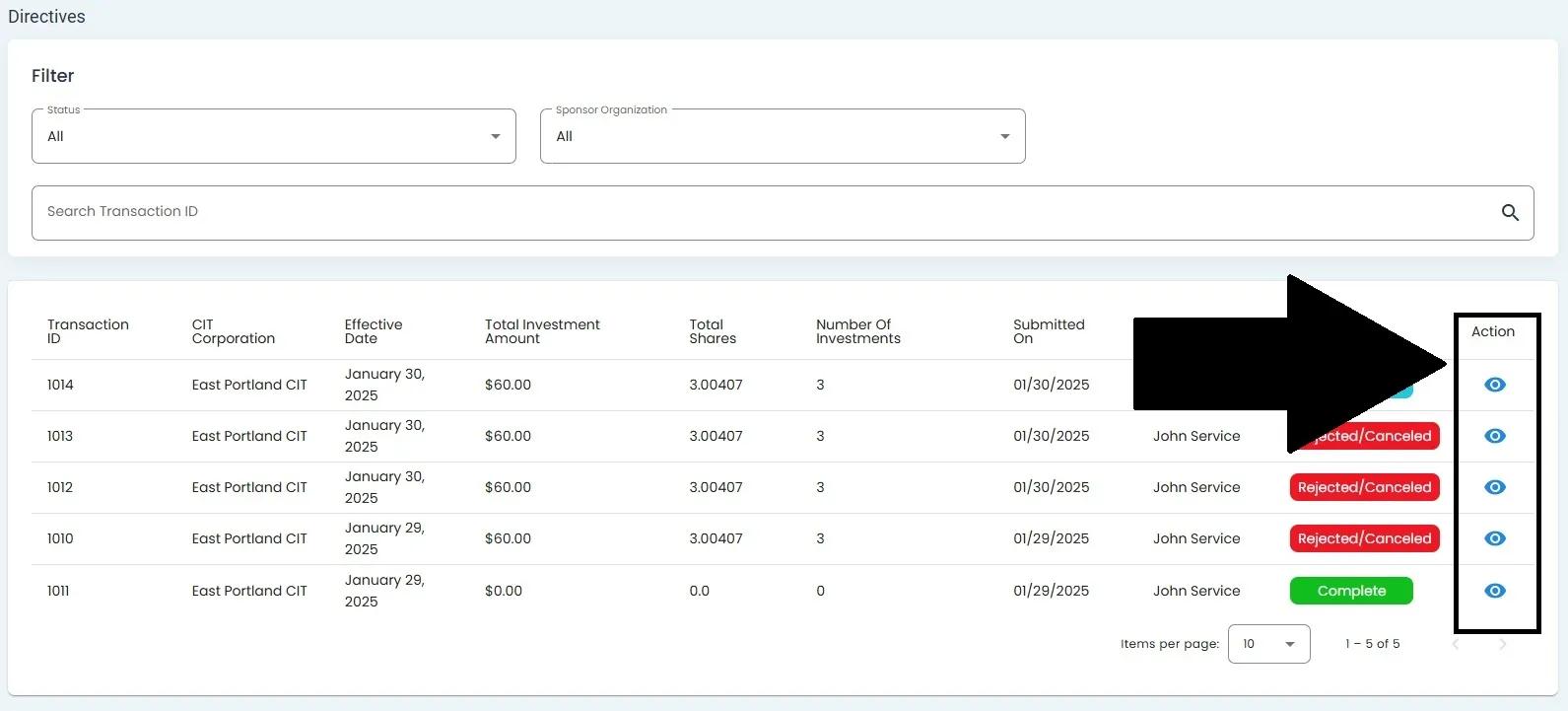
Eye icon in the Action column for viewing directive details#
Click the eye icon to open the Directive Details screen.
Directive Details Screen showing comprehensive information about Transaction ID 1014 including Info and Investments sections#
Directive Details Sections#
The Directive Details screen is divided into two main sections:
Info Section#
The Info section displays key information about the directive:
CIT Corporation
Number of Investments
Total Shares
Total Investment Amount
Effective Date
Submitted On
Submitted By
Status
Additional Instructions (if any)
Investments Section#
The Investments section lists all individual investments associated with the directive:
Investor (name and contact information)
Offering Year
Shares
Amount
Investment Date