
Payments#
The Section: Payments section provides tools for viewing and managing payment records within the system.
Features: Payments#
View payment records
Search for specific payment entries
Filter payments by company type and other criteria
View detailed payment information
Add payment credits to accounts
Layout: Payments Homepage#
The Payments homepage displays a comprehensive table of all payment records in the system.
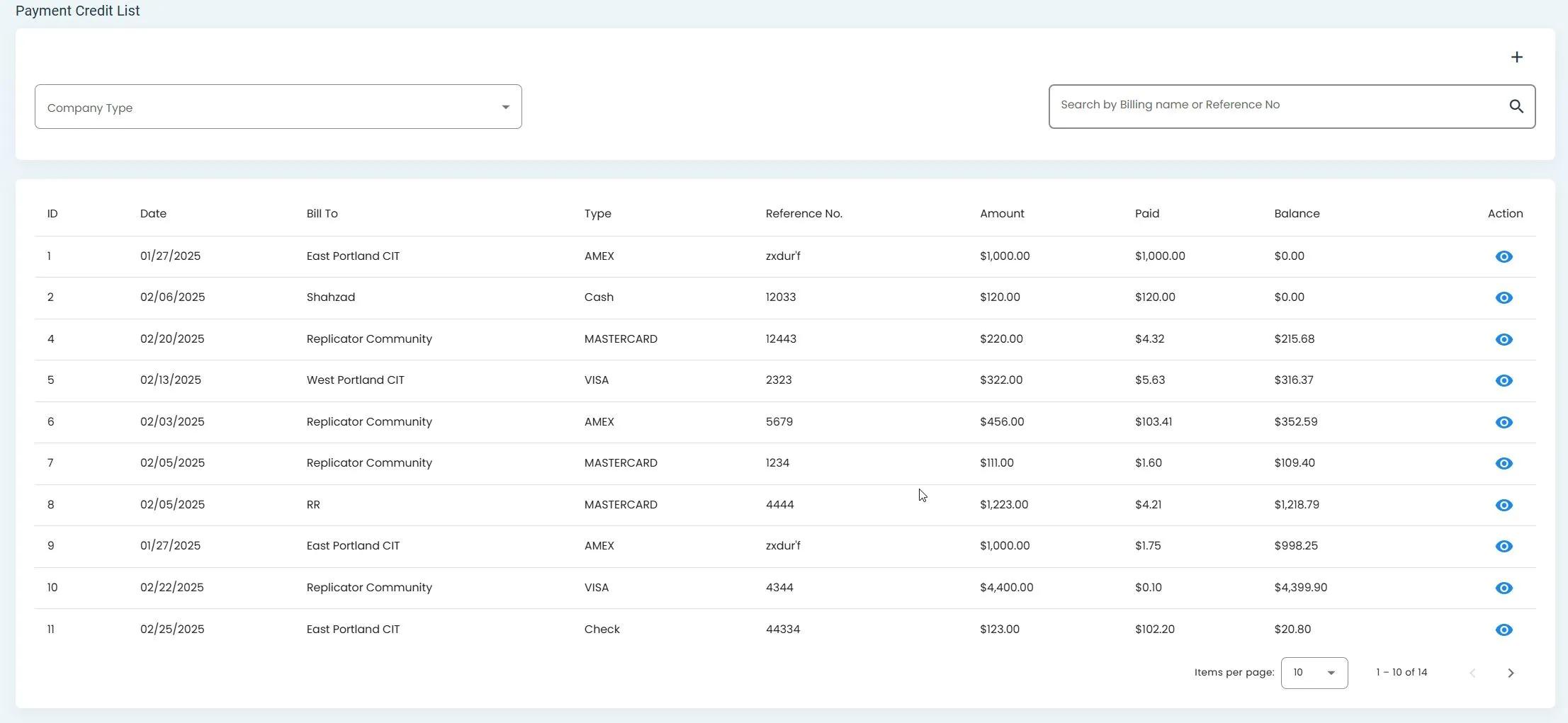
Payments Homepage showing the payment records table#
Filtering Payments#
The system allows you to filter payment records by company type and other criteria.
Step 1: Locate the Filter Button#
Find the filter button in the Payments table interface.
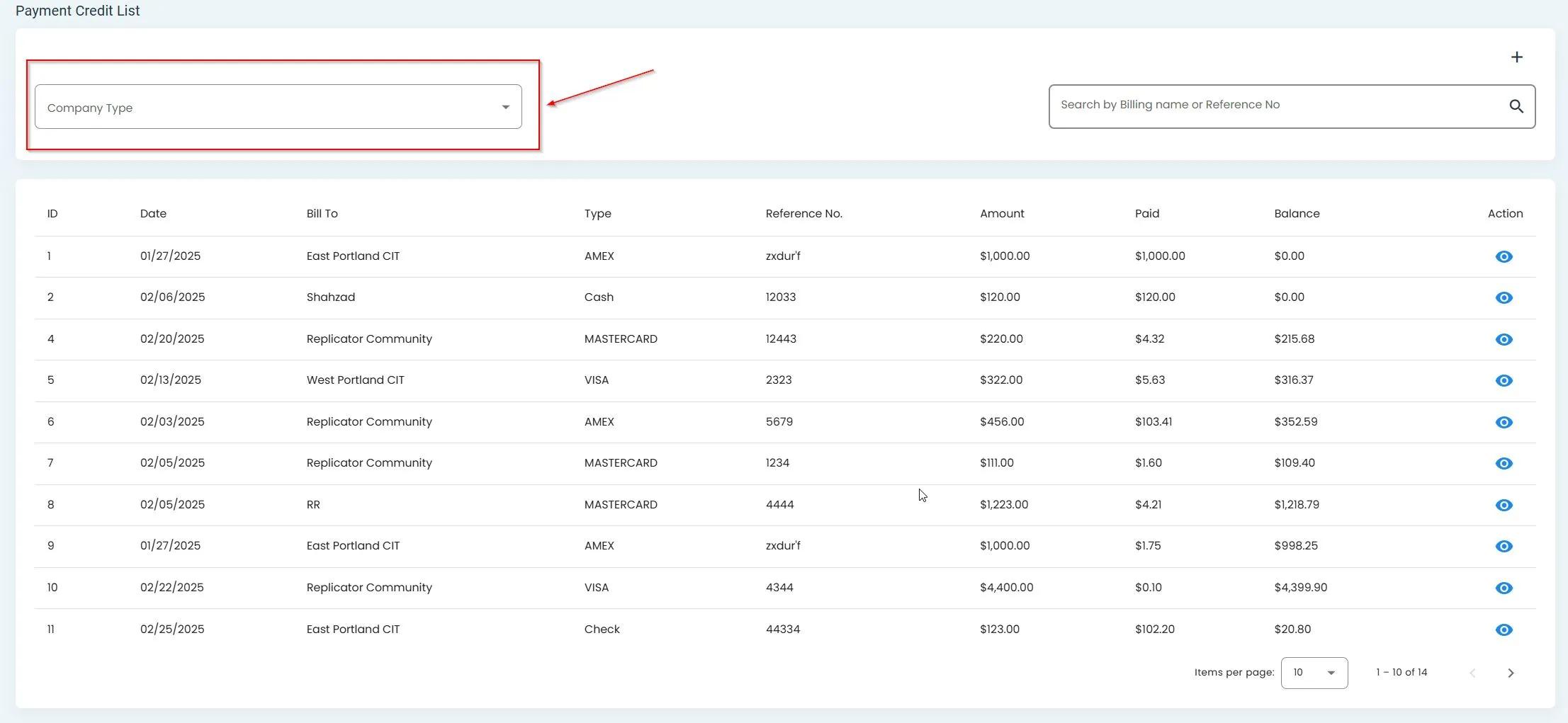
Filter button location in the Payments table#
Step 2: Select Filter Criteria#
Click the filter button to expand the available filtering options.
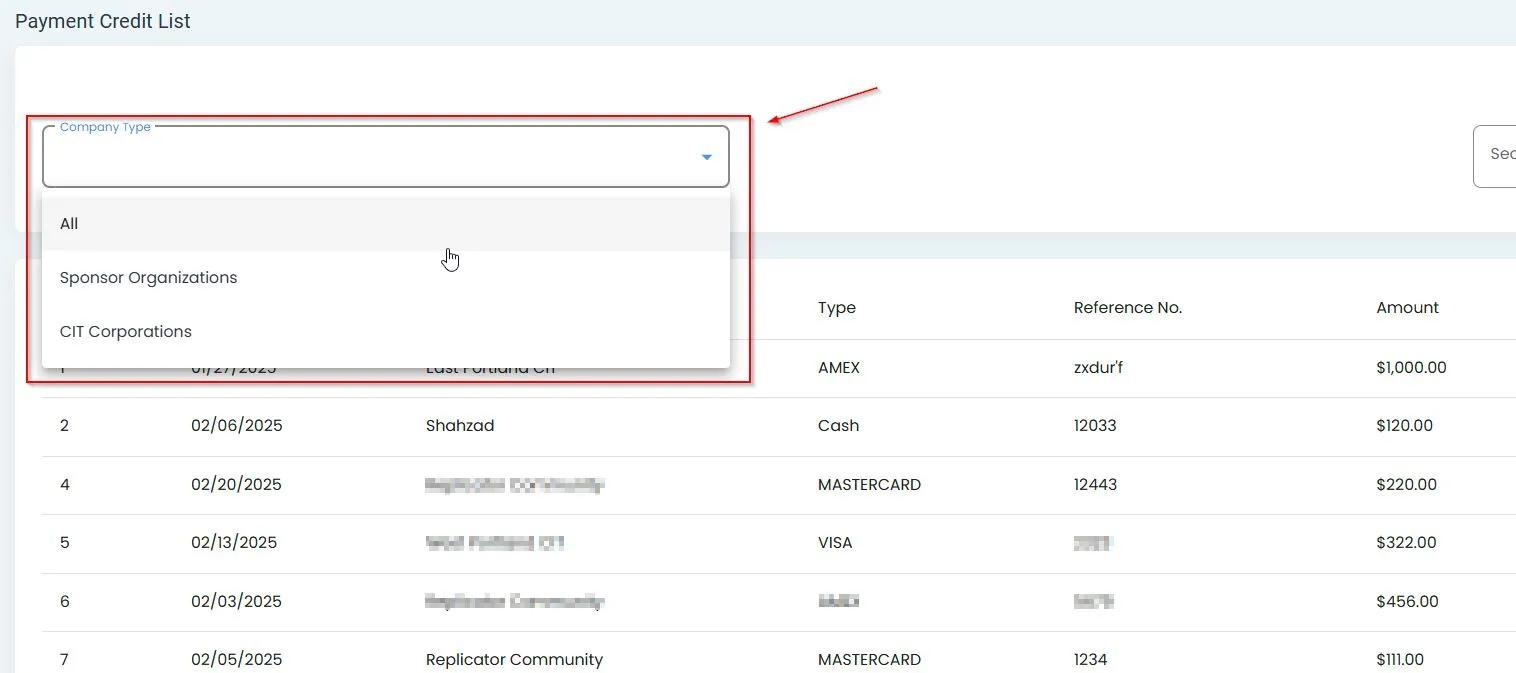
Expanded filter options for the Payments table#
Searching Payments#
You can search for specific payment records using the search functionality.
Step 1: Locate the Search Bar#
Find the search bar at the top of the Payments table.
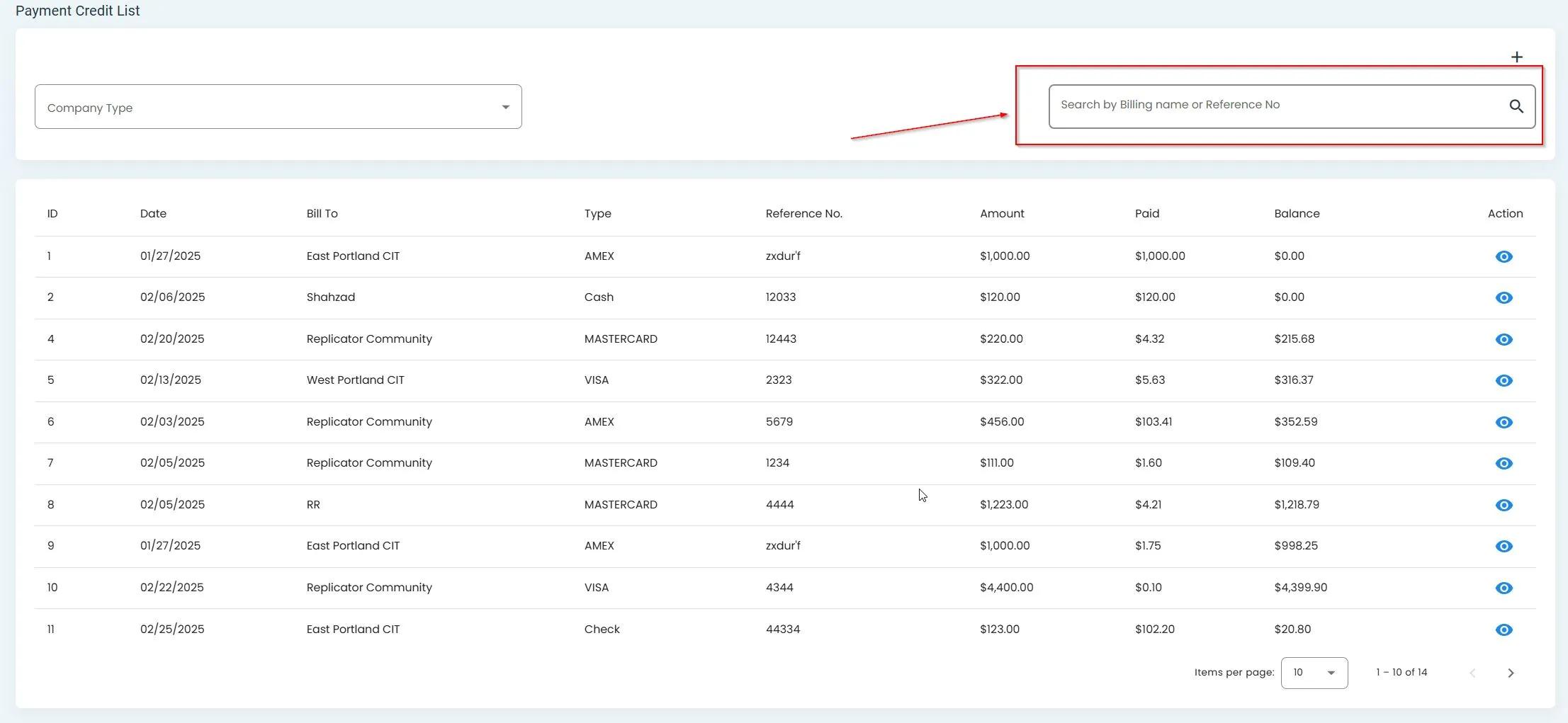
Search bar location in the Payments interface#
Step 2: Enter Search Terms#
Type your search terms in the search bar. The table will automatically filter to show matching results.
Note
The system searches across multiple columns in the Payments table to find matching records.
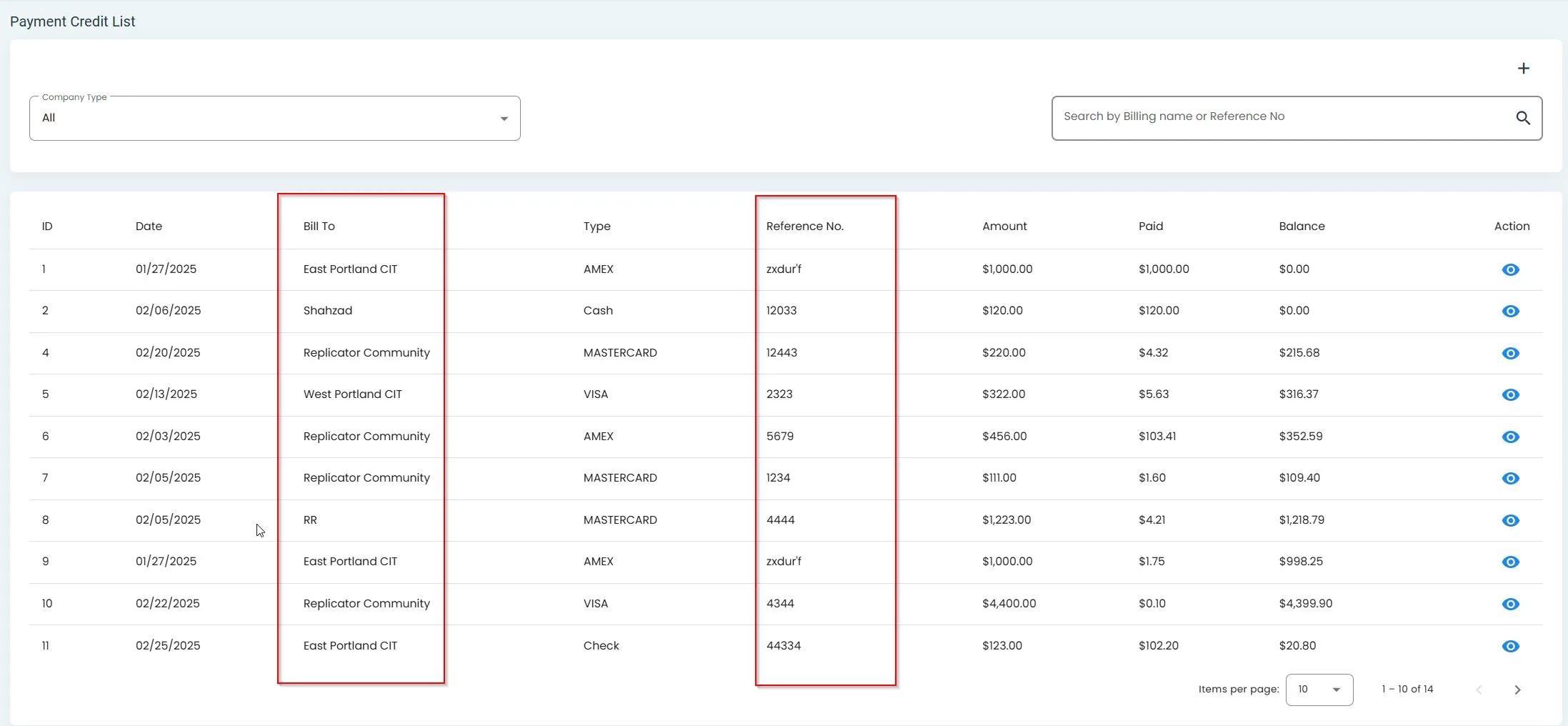
Searchable columns in the Payments table#
Additional Features#
The Payments section includes additional features for managing payment information:
View detailed payment information
Add payment credits to accounts