
Beneficiaries Tab#
The Tab: Beneficiaries tab allows you to view and manage all beneficiaries associated with an investor.
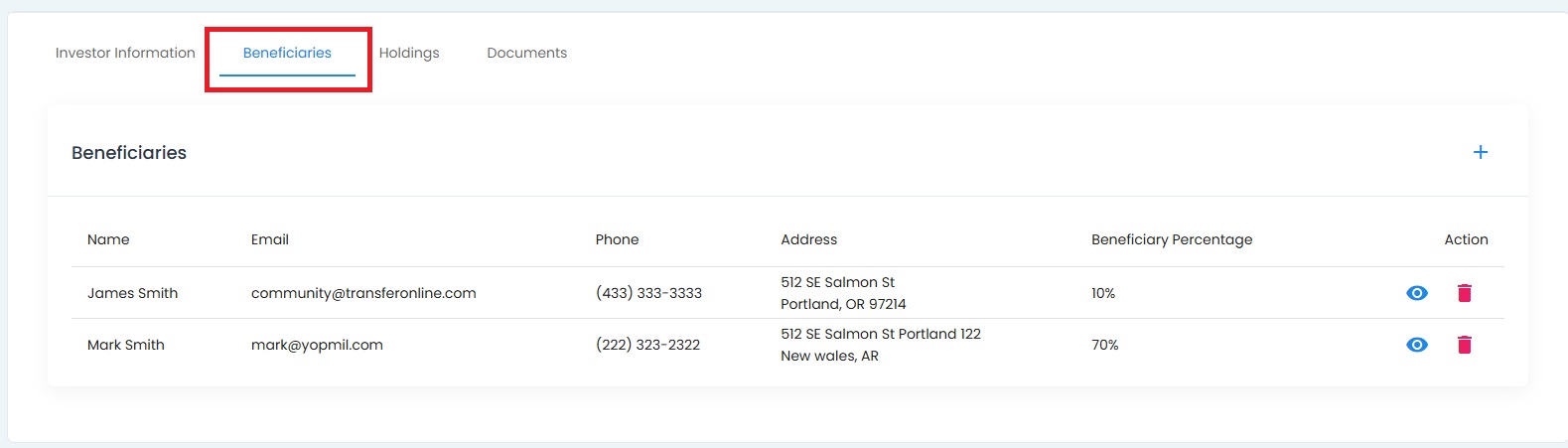
Investor Details, Beneficiaries Tab Location#
Beneficiaries Tab Overview#
The Tab: Beneficiaries tab displays a list of all beneficiaries linked to the investor, including their contact information and allocation percentages.
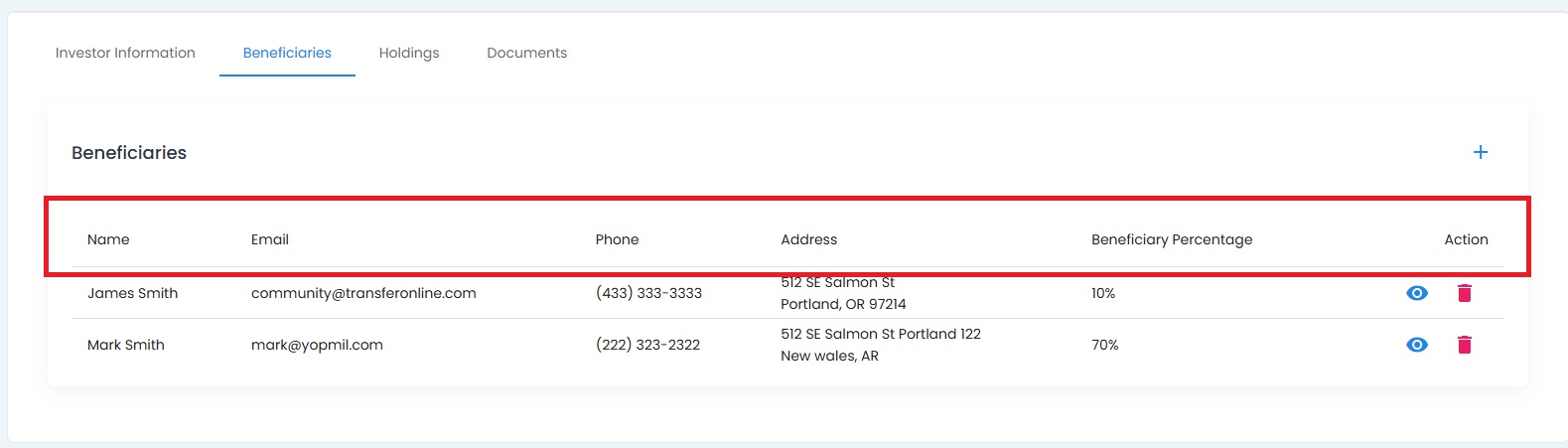
Investor Details, Beneficiaries Tab View#
Beneficiary Table#
The Table: Beneficiaries Table contains the following columns:
Column: Name - Beneficiary’s full name
Column: Email - Beneficiary’s email address
Column: Phone - Beneficiary’s contact number
Column: Address - Beneficiary’s mailing address
Column: Beneficiary Percentage - Allocation percentage for the beneficiary
Column: Action - Available actions for the beneficiary
Available Actions#
The Column: Action column allows you to:
View Beneficiary Details - View detailed information about the beneficiary
Delete Beneficiary - Remove the beneficiary from the investor’s account
How to Add a New Beneficiary
See Add New Beneficiary for more information.